Sublime Merge: A Git Client Built the Sublime Way
Sublime Merge is a graphical Git client built by the same team behind Sublime Text, designed around speed, precision, and a genuinely native Git experience rather than a simplified wrapper around it. It gives developers a visual way to stage, commit, review, and resolve conflicts without ever losing the accuracy of working with real Git underneath.
Sublime Merge Information
- Title: Sublime Merge
- Developer: Sublime HQ Pty Ltd.
- Platform: Windows
- Official Website: SublimeMerge
Sublime Merge Overview

Sublime Merge is built on the same cross-platform GUI toolkit and syntax highlighting engine that powers Sublime Text, paired with a custom high-performance Git reading library written specifically for speed. The result is a Git client that stays responsive even on large repositories with long histories, heavy diffs, or a high number of files.
What sets Sublime Merge apart from many graphical Git tools is that it doesn’t hide Git behind its own abstraction. When you’re using Sublime Merge, you’re using Git. Every action taken through the interface can be traced back to the exact Git command being run, and switching between the command line and the graphical client is seamless rather than jarring.
The application is organized around four core actions: committing changes faster through file, hunk, and line-level staging with no waiting; reviewing code more effectively with side-by-side diffs, full syntax highlighting, and character-level diffs; searching instantly across an entire repository as you type, by commit message, author, path, or file contents; and resolving merge conflicts through a built-in merge tool designed for quick, painless conflict resolution.
Also Check Out: Social Media Downloader
Sublime Merge Key Benefits
- Genuinely fast performance: A custom Git reading library and a lightweight GUI toolkit keep Sublime Merge responsive even on large, complex repositories.
- Precise control over commits: Line-by-line and hunk-level staging let you commit exactly what you intend, including splitting a single hunk into multiple separate changes.
- Clearer code reviews: Side-by-side diffs, character-level diffs, and full syntax highlighting make it easier to understand exactly what changed in a commit.
- Real Git underneath: Every action maps to an actual Git command, so there’s no disconnect between what the interface shows and what Git is actually doing.
- Fast, flexible search: Find-as-you-type search covers commit messages, authors, paths, and file contents across the whole repository at once.
- Deep language support out of the box: Over 40 languages are supported natively, with automatic loading of any third-party syntax definitions already installed.
- Fully customizable interface: An adaptable layout and a powerful theming system let you shape Sublime Merge around your own workflow.
Sublime Merge Key Features
- Line-by-Line and Hunk Staging: Select individual lines or hunks to stage precisely what you want, splitting a hunk into multiple separate changes when needed.
- Side-by-Side Diffs: Compare changes visually with a side-by-side layout instead of a single merged view.
- Character Diffs: See exactly which characters changed within a line, not just which lines changed.
- Interactive Context Expansion: Drag the top or bottom edge of a diff hunk to reveal more surrounding context on demand.
- Instant Repository Search: Search your entire repository as you type, filtering by commit message, author, path, or file contents.
- Built-In Merge Tool: Resolve merge conflicts directly inside the application without needing a separate external tool.
- Sublime Syntax Highlighting: Understand changes at a glance with support for more than 40 languages out of the box, plus automatic recognition of installed third-party syntaxes.
- Real Git Command Visibility: View the exact Git command behind any action taken in the interface, and move freely between the GUI and the command line.
- Command Palette: Access commands quickly through a searchable palette instead of digging through menus.
- Commit Editing: Edit past commits directly within the application.
- Blame and File History: Trace the history and authorship of any line or file over time.
- Submodule Management: View and manage Git submodules directly from within the interface.
- Command Line Integration: Use the smerge command line helper to open repositories, act as a standalone merge tool, or integrate Sublime Merge into existing terminal workflows.
- Git Flow Integration: Run Git Flow commands directly through Sublime Merge instead of the command line.
- Adaptable Layout and Theming: Rearrange the interface and apply custom themes to match your own working style.
What’s new in Sublime Merge 2 Build 2132?
The current version, 2 Build 2132, was released on September 18, 2026. According to the official changelog, this update includes:
- Added an option to keep local changes when resetting.
- Mac: Fixed window styling issues on macOS 27.
- Mac: Fixed windows not restoring to the correct workspaces.
- Linux: Fixed a tab dragging issue under Wayland.
Sublime Merge Tested Screenshots
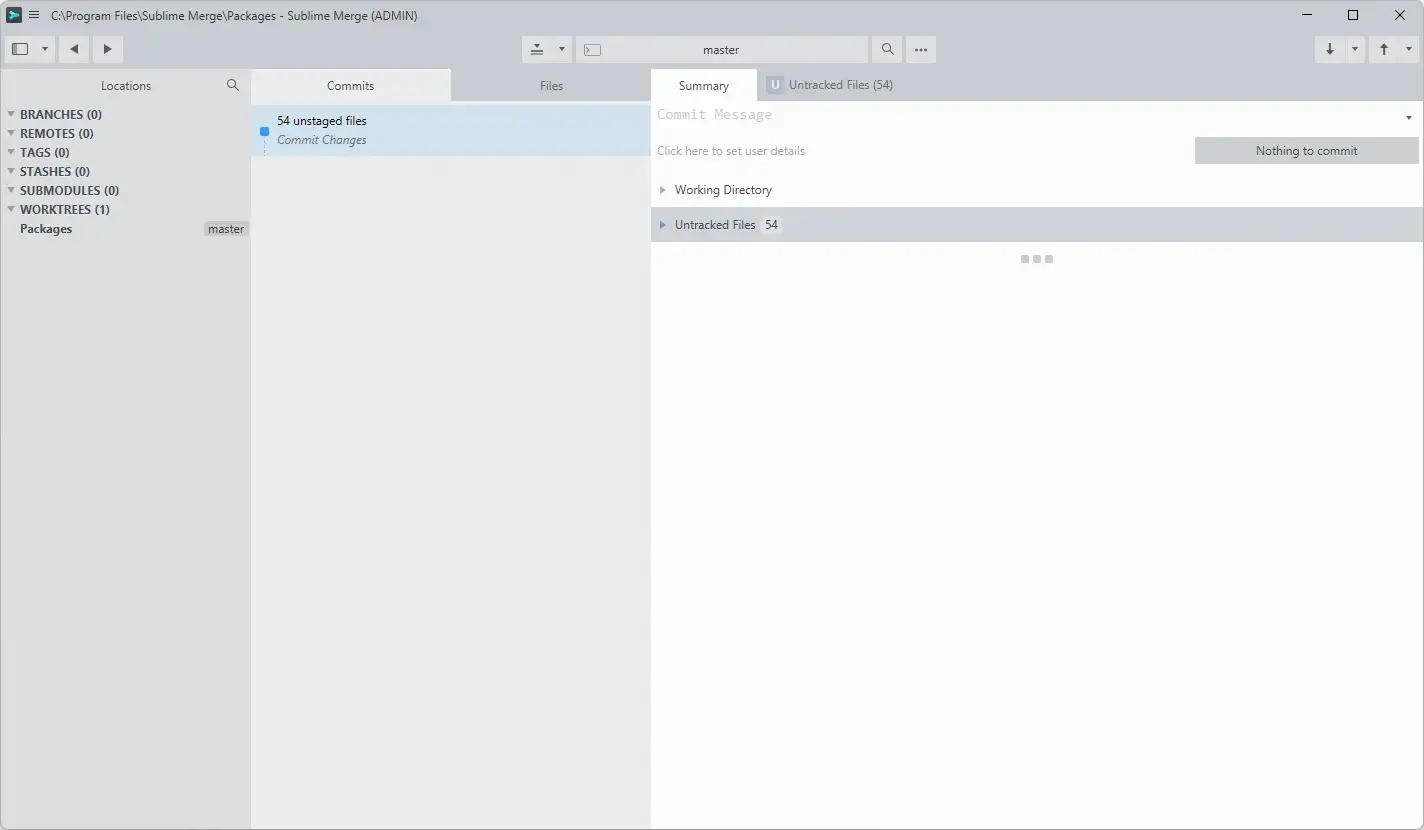
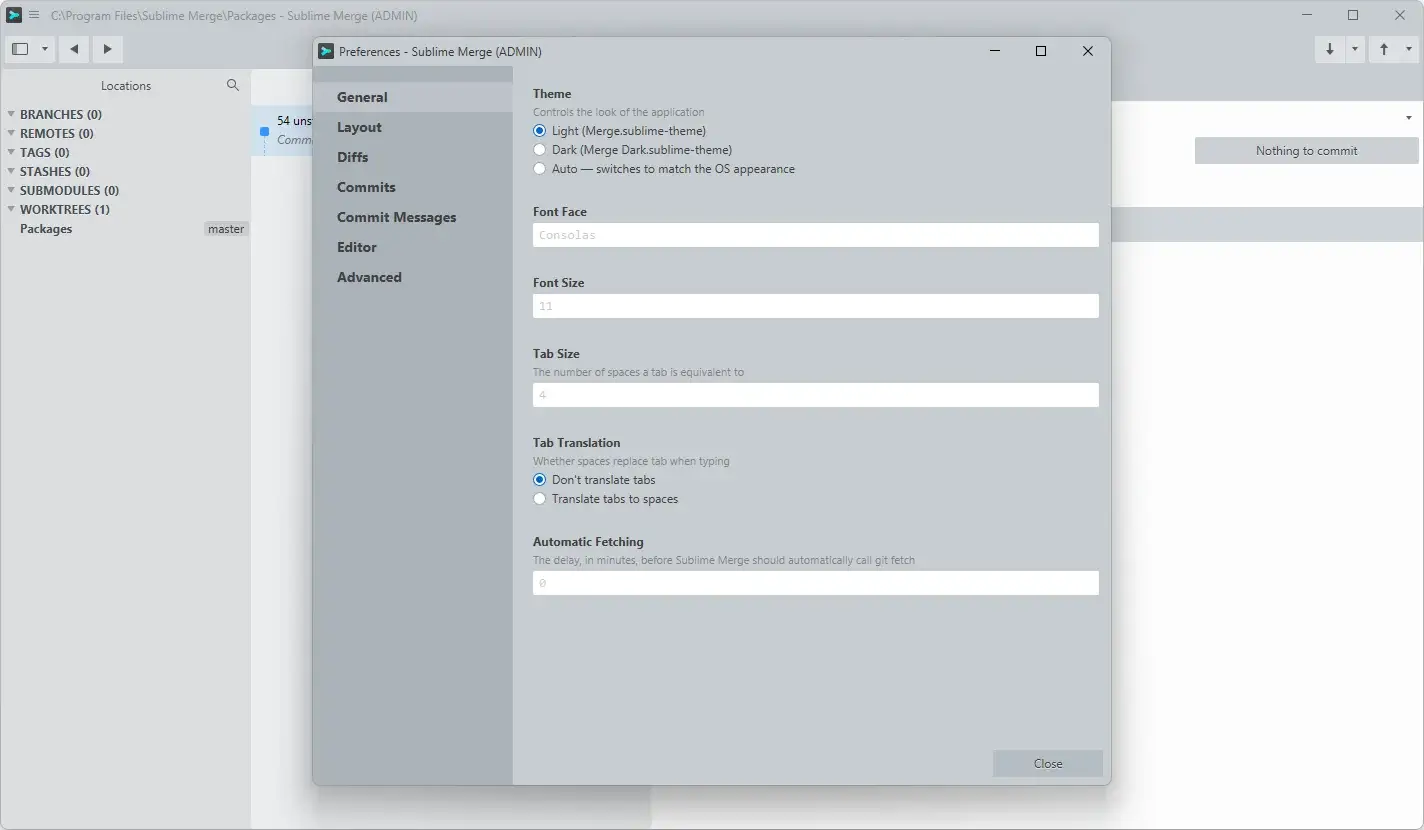
System Requirements (Windows)
| Component | Requirement |
|---|---|
| Architecture | 64-bit only. Sublime Merge does not support 32-bit systems |
| Operating System | Official minimum Windows version is not specified on official website |
| Internet Connection | Required for downloading, updating, and working with remote Git repositories |