Irix HDR Pro: AI-Powered HDR and XDR Photo Editing for Windows
Irix HDR Pro is a photo editing application for Windows that combines HDR and XDR editing with AI-powered enhancements, color grading, overlays, and other creative tools. It gives photographers the option to improve images with automatic adjustments or work on specific details manually. From correcting colors and removing haze to replacing skies and editing RAW photos, Irix HDR Pro brings a wide range of editing tools together in one application.
Irix HDR Pro Information
- Developer: Binaire Private Limited
- Platform: Windows
- Official Website: Irix HDR
Irix HDR Pro Overview

Irix HDR Pro uses two main technologies to handle image enhancement and processing. MyND is the application’s AI engine, built around Active Foreground Neural Network technology. It processes images in real time and helps automate adjustments, allowing users to spend less time correcting images manually. Spitfyre handles image rendering and post-processing, including visual effects and export operations, using graphics technologies such as DirectX on Windows.
The application comes with two interface options: Irix HDR and Irix HDR Classic. Both offer the same features, but their layouts provide different working styles. Users can choose the interface that feels more comfortable for their editing routine without giving up any tools.
Another important part of Irix HDR Pro is its non-destructive editing workflow. Changes can be reviewed, adjusted, or reversed through the editing history without permanently affecting the original image. The application also supports Windows and macOS, including selected ARM-based Windows processors such as Microsoft SQ1, SQ2, and Qualcomm 8cx chips. On Windows, DirectX and Microsoft Neural Engine technologies help accelerate supported AI processing tasks.
Also Check Out: CyberLink PowerDirector
Irix HDR Pro Key Benefits
- Edit without losing the original image: Irix HDR Pro keeps adjustments reversible and maintains an editing history, making it easier to experiment with different settings and return to earlier versions.
- Spend less time on routine corrections: The MyND AI engine helps automate image enhancement, using a dataset of more than 12 million images to guide its processing.
- Handle complex editing projects: The Spitfyre engine and GPU Optimiser help distribute processing work between the CPU and GPU, with performance improvements of up to six times reported for complex edits on optimized hardware.
- Work with RAW photographs: Support for more than 50 RAW formats and over 600 camera models gives photographers options for editing images from a wide range of cameras.
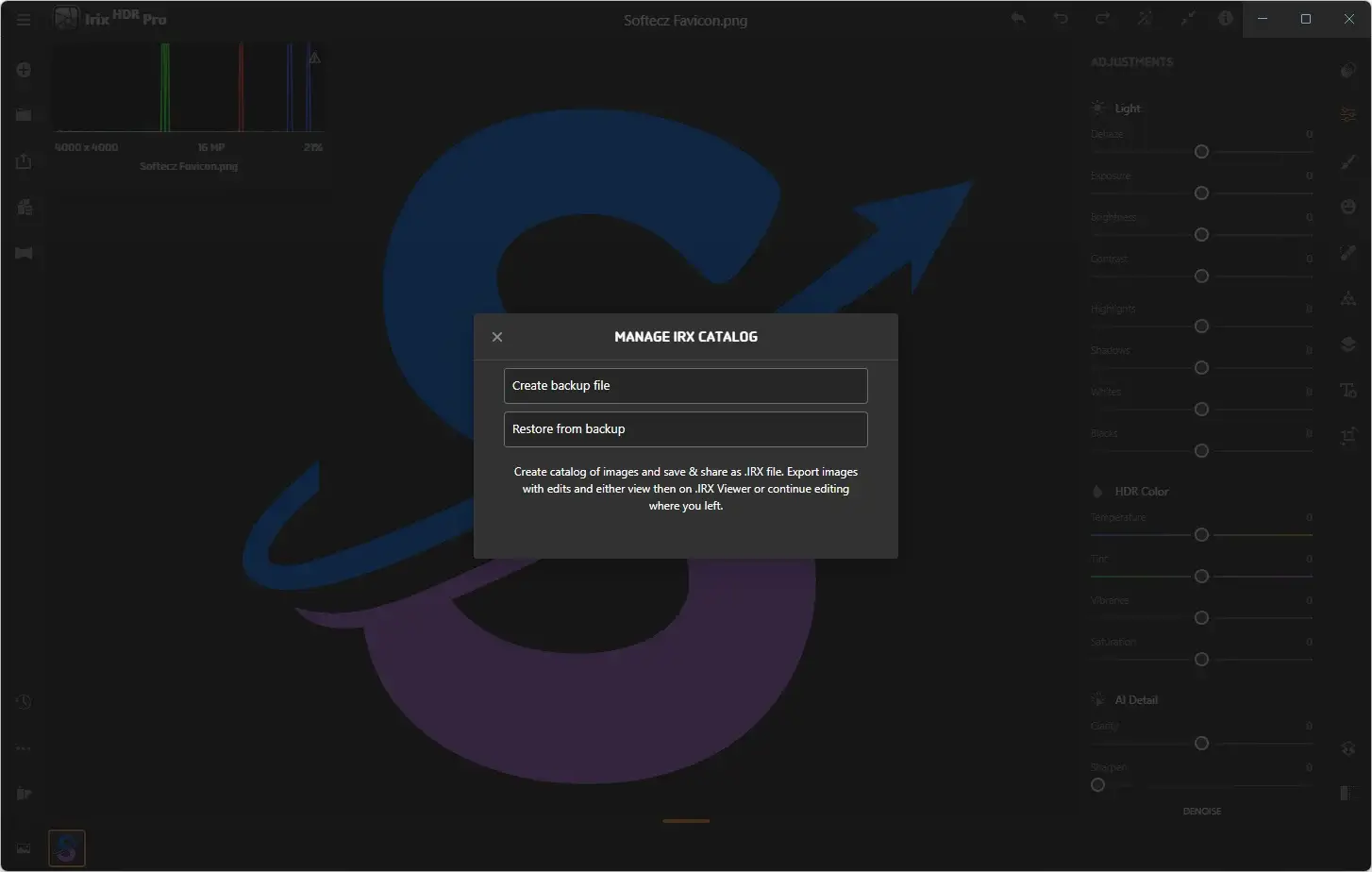
- Share image collections with others: The built-in IRX Viewer lets clients and teammates view image catalogs without installing Irix HDR Pro.
- Explore different creative effects: Built-in overlays, sky replacement, LUT support, and advanced color grading provide several ways to change the look of a photograph.
- Make use of modern hardware: Support for Intel, AMD, and selected ARM-based processors allows the application to work across different Windows systems.
- Edit more than standard photographs: Face retouching, watermarking, GoPro compatibility, VR editing, and 360-degree image tools provide additional options for different creative projects.
Irix HDR Pro Key Features
Core Engine and Performance
- MyND AI Engine: Uses Active Foreground Neural Network technology, which is described as patent-pending, and a training dataset of more than 12 million images to support real-time image enhancement.
- Spitfyre Graphics Engine: Handles image rendering and post-processing, using OpenCL and DirectX on Windows.
- GPU Optimiser: Distributes graphics processing tasks between the CPU and GPU to help speed up editing while maintaining image quality.
- 64-bit Image Processing: Supports high-precision image processing, with the software describing up to 32 times more image fidelity than standard 32-bit processing.
- Lossless Compression: The IRX format preserves image quality, editing history, and adjustments while offering compression speeds described as up to 23 times faster.
- Performance Gains: Rendering complex images with multiple overlays and filters can be up to six times faster on optimized hardware.
- DirectX Acceleration: Helps speed up rendering, real-time effects, and exports. The software reports rendering improvements of up to 22% on compatible hardware, such as a Dell XPS or equivalent system.
- ARM Architecture Optimization: Supports selected Windows devices using Microsoft SQ1, SQ2, and Qualcomm 8cx processors. The software reports panning and scrolling improvements of up to six times when working with images as large as 15K and using eight to ten overlays at full quality.
Two User Interfaces
- Irix HDR: Provides one of the application’s two interface layouts, with the same editing tools available in the Classic version.
- Irix HDR Classic: Offers an alternative layout for users who prefer a more traditional editing workspace. Its feature set is identical to that of Irix HDR.
Presets and Quicksets
- Quickset Filters: Includes more than 200 presets that help users apply different looks without adjusting every setting individually. These filters can also be combined with LUTs for further customization.
Overlays
- Overlay Library: Provides more than 50 built-in overlays, including Light Leaks, Flying Birds, Duo Tone, Clouds, and Blend Modes. Users can also import their own images to create custom overlays.
- Overlay Blending: Offers different blending modes to help overlays work naturally with the underlying photograph.
- Overlay Masking: Uses Brush and Radial Masks to control where an overlay appears, making it possible to apply effects only to selected areas.
- Smart Edge Detect Eraser: Helps remove unwanted parts of an overlay with precise edge detection while keeping the editing process lossless.
Sky Replacement
- SkyXpress: Allows users to replace an existing sky with an image from the built-in library or a photograph of their own. Smart Edge detection helps define the boundaries between the sky and surrounding objects, while different sky and weather options make it easier to change the atmosphere of a scene.
Selective and Local Adjustments
- Radial Mask: Selects an area using a four-point radial configuration. Users can apply adjustments inside or outside the selected area and return to earlier editing states when needed.
- Gradient Mask: Targets an area defined by parallel lines, with controls for changing their angle and spacing. It can also be used with blur, AI Clarity, and Dehaze tools.
- Brush Tool: Allows freehand selections using MyND’s AI Edge Aware technology to help follow the boundaries of objects and other image details.
- Luminance Mask: Selects parts of an image according to their brightness, with a slider and visual feedback to help refine the selection.
- Color Mask: Targets a selected color for adjustments such as temperature, tint, vibrance, saturation, AI Clarity, dehaze, highlights, and shadows.
- Depth Mask: Uses depth information embedded in an image to select pixels according to their depth, with visual feedback showing the selected area.
- Pantone-Compliant Color Palette: Provides color selection options across the local adjustment tools to help maintain consistency.
- Copy-Paste Edits: Lets users copy adjustments from one image and apply them to another image or an entire catalog, reducing repetitive work.
AI Tools
- AI Auto Enhance: Automatically adjusts an image with a single click. The feature uses Active Foreground Neural Network technology trained on more than 12 million images.
- Smart Edge Brush Tool: Uses edge-aware AI to select object boundaries while helping prevent unwanted selection spill. Users can erase selected areas and adjust brush size, hardness, and opacity.
- AI Dehaze: Reduces fog and atmospheric haze to help restore details in affected areas of a photograph.
- AI Clarity: Improves midtone contrast without directly changing highlights and shadows.
- AI Sharpen: Enhances image sharpness with pixel-level precision.
- AI Denoise: Helps remove camera noise and image compression artifacts.
Advanced Color Grading
- Color Wheels: Provides controls for adjusting highlights and shadows through a shared interface, with the wheels set to 50% saturation by default.
- Color Curves: Allows precise color adjustments through multiple control points, with numerical readings for luminance and saturation.
- Color HSL: Lets users select colors and adjust their hue, saturation, or luminance to achieve the desired appearance.
- LUT Import and Export: Supports importing creative and camera-correction LUTs and exporting LUTs in .CUBE format for use in compatible video editors and other applications.
- XDR and HDR Color Space Support: Allows the color grading tools and scopes to be used with both Extended Dynamic Range and High Dynamic Range editing.
High Dynamic Range Editing
- HDR and XDR Editing: Supports editing workflows designed to work with a broader range of brightness levels. The Spitfyre engine renders XDR brightness in real time during image import, editing, and color grading.
- High-Brightness Display Support: HDR and XDR content can be viewed on compatible displays, including the Apple Pro Display XDR and Asus ProArt models that offer peak brightness above 1,000 nits.
- Wide Color Space Support: Includes P3, sRGB, and Adobe RGB color spaces for working with different color requirements.
RAW Editing
- Dedicated RAW Engine: Works with original camera images, allowing users to adjust RAW photographs while retaining image detail. It also provides flexibility when working with highlights and shadows.
- Supported RAW Formats: Includes ARW, ARI, BAY, CRW, CR2, DNG, SR2, SRF, SRW, X3F, PEF, PTX, PXN, R3D, MRW, NEF, NRW, OBM, ORF, ERF, EIP, DRF, and KDC.
- Experimental RAW Formats: Includes TIFF, TIF, 3FR, DCS, DCR, FFF, IIQ, K25, MEF, MOS, RAF, RAW, RWL, RW2, and RWZ. These formats are listed as experimental rather than part of the standard supported format group.
- Broad Camera Compatibility: Provides RAW support for more than 600 camera models.
Face Retouch
- Skin Enhancement: Includes controls for smoothing and refining skin texture in portraits.
- Reshaping Tools: Allows users to adjust facial and body features for a more refined appearance.
- Blemish Control: Helps remove blemishes and other visible imperfections through targeted adjustments.
- Body Sculpting: Provides additional body-shaping controls alongside the face retouching tools.
Text, Watermark, and Emoji
- Text Tools: Offers formatting options for text color, orientation, and blending, along with support for importing custom fonts.
- Watermarking: Lets users add a name, trademark, logo, custom image, or text to photographs. Watermarks can also be applied to an entire portfolio in one operation.
- Emoji Library: Provides access to the emoji library supported by Windows for users who want to add expressive elements to their images.
GoPro and VR Editing
- GoPro Compatibility: Supports images and footage captured with GoPro cameras.
- Virtual Reality Editing: Provides VR editing capabilities for a more immersive working experience. Support for the HTC Vive headset allows users to interact with images in a virtual environment.
360-Degree Image Editing
- Equirectangular Image Support: Allows users to import and edit 360-degree images stitched together from a range of cameras.
- Monoscopic and Stereoscopic Support: Provides tools for working with both monoscopic and stereoscopic 360-degree images.
- Full Tool Transposition: Adapts the standard editing tools for 360-degree images using MyND AI, while maintaining the application’s lossless editing workflow.
Collaboration Tools
- Built-in Collaboration: Includes collaboration tools designed to support image sharing and prosumer photography workflows.
- IRX Viewer: Allows clients and teammates to view an image catalog without having Irix HDR Pro installed on their own systems.
- IRX Format Preservation: Retains the editing history, adjustments, custom fonts, and overlays associated with an image catalog, making it easier to continue working on shared projects.
Standards Compliance
- ICC Conformance: Supports International Color Consortium standards, including ISO 15076-1:2010 for color profile architecture and format. The listed standards also include ISO 12639:2004, ISO 12640-1:1997, and ISO 16760:2014.
- Pantone Color Conformance: Provides support for consistent Pantone color reproduction, helping users maintain color accuracy across their work.
Interface and Workflow
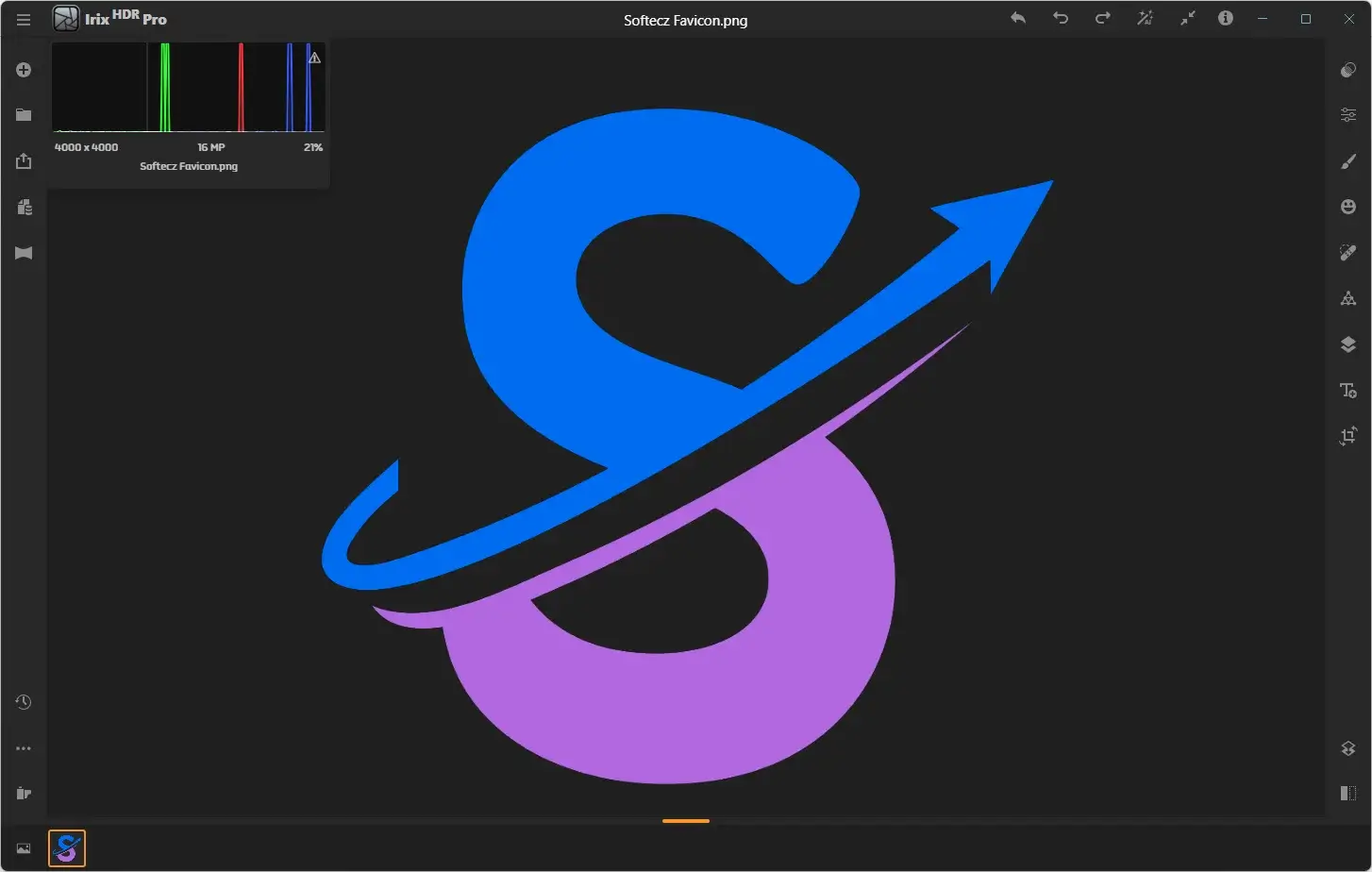
- Unified Single-Window Interface: Keeps the editing tools and image workspace together in one window, reducing the need to move between separate panels or applications.
- Flexible Import Options: Allows users to import images from their library, Photos, or OneDrive through the launch screen.
- Hidden Interface Mode: Hides the surrounding interface so users can concentrate on the image itself.
- Zoom Tool: Makes it possible to inspect photographs at different magnification levels.
- Real-Time Filmstrip Preview: Displays live editing results across an image collection while users work.
- Background Rendering: Uses the CPU and GPU together to help maintain a smoother editing experience.
- High-Precision Rendering: Uses floating-point rendering in linear-light color space for image processing.
- Multi-Core Processing: Uses available processor cores to help speed up demanding editing tasks.
- Large-Format Preview Playback: Supports full-screen, real-time previews for SD, HD, 2K, 4K, 5K, and larger frame sizes.
- Full Unicode and UTF-8 Support: Provides support for different languages and character sets.
- GPU-Accelerated Exporting: Uses available graphics hardware to help speed up image exports.
- Proxy Media Generation: Creates proxy media at sizes ranging from 12.5% to 100% of the original, with support for ProRes Proxy and H.264.
Windows-Specific Technology
- Native ARM Support: Supports Windows devices using Microsoft SQ1 and Qualcomm 8cx processors, alongside systems with Intel and AMD processors.
- Azure AI and DirectX: Supports the machine-learning technologies behind the MyND engine on Windows.
- Microsoft Neural Engine Acceleration: Uses Microsoft Neural Engine acceleration for supported machine-learning tasks, with performance improvements of up to 20 times reported by the software.
- 64-bit Architecture: Runs as a native 64-bit application on Windows.
Sharing and Exporting
- Standard Format Support: Opens and saves images in JPEG, HEIF, TIFF, PNG, and WebP formats.
- Batch Processing: Provides batch resizing, export, and AI enhancement through the export window, allowing users to process multiple images in one workflow.
- Social Media Export Presets: Includes preset export sizes for preparing images for social media platforms.
Application Behavior and Limits
- Image Import Limit: Allows users to import up to 10,000 images at once. The practical limit depends on the amount of available system memory.
- Overlay Limit: Supports up to 50 overlays on a single image, with actual limits also influenced by available memory.
- Multiple Instances: Allows users to open multiple independent instances of the application and edit images in separate sessions.
- Metadata Editing: Image metadata cannot currently be modified within the application, although this feature is listed as being in development.
- Custom LUT Creation: LUTs created in Irix HDR Pro are saved in the 3D .CUBE format and can be used in other image or video editors that support this format.
What’s New in Irix HDR Pro 3.0.0?
Irix HDR Pro 3.0.0, released on October 09, 2026. According to the official changelog, this update includes:
- Some added features, improvements, and bug fixes.
Irix HDR Pro Tested Screenshots
System Requirements (Windows)
| Component | Requirement |
|---|---|
| Operating System | Windows 7, Windows 8, Windows 8.1, Windows 10 (Anniversary Update, version 1607) or later, or Windows 11 |
| RAM | 2 GB minimum (4 GB recommended for 4K editing, overlays, and 360-degree image editing) |
| Graphics Card | DirectX-capable graphics card required |
| VRAM | 512 MB recommended for 4K editing, overlays, and 360-degree image editing |
| Storage | 400 MB of available disk space |
| Internet Connection | Required for certain features |