GRAPHISOFT Archicad: The Complete Guide to Graphisoft’s BIM Software for Architects
Archicad is a Building Information Modeling platform developed by Graphisoft that gives architects, designers, engineers, and other AEC professionals a single environment to design, model, document, visualize, and collaborate on building projects of any size, from initial concept through construction.
GRAPHISOFT Archicad Information
- Title: GRAPHISOFT Archicad
- Developer: Graphisoft, part of the Nemetschek Group
- Platform: Windows 11
- Official Website: GRAPHISOFT
What Is GRAPHISOFT Archicad?

GRAPHISOFT Archicad helps architects, designers, engineers, and other AEC professionals bring their visions to life with intuitive BIM design tools, produce accurate and high-quality construction documentation, collaborate effortlessly with teams through OpenBIM workflows, and deliver projects faster with data-driven design intelligence.
Archicad is ideal for architectural firms, solo practitioners, construction professionals, and BIM managers who want to streamline building design, modeling, documentation, collaboration, and visualization using BIM workflows. Students and educators also benefit from free educational licensing for learning and teaching BIM principles. Whether working independently or as part of a team, Archicad supports projects of all sizes and stages, making it a common choice for firms working in digital building design.
Archicad runs natively on both Windows and macOS, and the two versions are fully compatible with each other in file formats and Teamwork functionality, so mixed-platform teams can work on the same project without conversion issues.
Also Check Out: MOBILedit Forensic Ultra
GRAPHISOFT ArchiCAD Key Benefits
- Conceptualize confidently: From mass modeling and sketches to optioneering and quantity take-offs, Archicad streamlines early-stage design with intuitive, user-friendly tools.
- Work with familiar tools: Enjoy a smooth design experience with tools like Walls, Windows, and Roofs, designed to speak your language and deliver a complete Building Information Model.
- Simplify complexity: Smart tools including Stairs, Railings, and Curtain Walls support creative, precise workflows, making complex projects easier to design.
- Reduce repetition: Innovative design automation tools let you focus on creativity, build custom components, and streamline workflows effortlessly.
- Go parametric with libraries: Tap into Archicad’s versatile libraries and adaptive toolkit to meet any scale, style, or project need.
- Document with precision: Turn 3D models into accurate, fully coordinated drawings with real-time updates using Archicad’s BIM-based workflows.
- Maximize automation: Annotate once and let Archicad keep your drawings up to date, ensuring accuracy with every design change.
- Streamline data management: Enrich BIM models with smart metadata, ensure compliance with standards, and enable smooth data exchange and coordination.
- Spot issues early: Advanced clash detection and integrated issue tracking across BIMx and Archicad help you spot problems fast, ensuring coordinated models and smoother collaboration.
- Collaborate in real time: Work together in a centralized model hosted on BIMcloud, enabling live updates and instant notifications, with projects shared seamlessly with stakeholders wherever they are.
- Design sustainably: Built-in energy analysis and Life Cycle Assessment tools help optimize performance, reduce emissions, and make smarter decisions from the start.
- Coordinate with all stakeholders: Collaborate across teams using Archicad’s BIM tools and integrations with Bluebeam, Bimplus, Solibri, and Autodesk Forma connections, streamlining reviews, automating checks, and managing data for faster project delivery.
- Ensure design quality: Use visual checks, clash detection, and automated schedules to deliver accurate, coordinated documentation every time.
- Collaborate with OpenBIM: Work across disciplines and platforms using buildingSMART-defined open standards such as IFC, BCF, and IDS to ensure transparency, interoperability, and efficient communication at every stage.
- Express your style: Quickly create sketches, white models, or photorealistic visuals to share design intent, and present 3D models with fly-throughs, animations, or any artistic style that suits you.
- Visualize with AI: Instantly transform conceptual models into near-photorealistic images, explore design options, accelerate decision-making, and elevate project presentation with the cloud-powered AI Visualizer.
- Take designs anywhere: Turn models into immersive, real-scale experiences with Apple Vision Pro and BIMx, allowing you to explore, present, and collaborate on the go, complete with data, documentation, and navigation.
- Connect to favorite software: Enhance designs by connecting Archicad with external visualization software like Enscape, Twinmotion, and D5 for real-time, photorealistic renderings and immersive presentations.
GRAPHISOFT Archicad Features and Toolsets
- Parametric building elements: Wall, Slab, Roof, Column, and Beam tools automatically adjust and maintain relationships between building components for seamless design updates.
- Intelligent objects: Easily customizable Doors, Windows, Stairs, Railings, and Curtain Walls support advanced modeling and design flexibility.
- Structural modeling: Native tools for modeling and analyzing load-bearing elements, plus real-time updating and automatic creation of a Structural Analytical Model for coordination with engineers.
- MEP feature set: Design, model, and document mechanical, electrical, and plumbing systems using built-in parametric objects, clash detection, and unified collaboration workflows, available with the Archicad Collaborate plan.
- Real-time teamwork: Multiple users can work on the same model simultaneously through BIMcloud, with changes synchronized automatically and version management handled in the cloud.
- Conflict reduction: Automated sync and smart notifications help minimize conflicts and version issues during design development.
- Distributed collaboration: BIMcloud connects teams across offices and disciplines, supporting both internal and cross-company workflows.
New Features of GRAPHISOFT Archicad 30
AI Developments
- AI Visualizer: Turn ideas into polished visuals faster with advanced AI image models, including Nano Banana Pro, built for greater accuracy and exceptional quality.
- Archicad MCP (Beta): Work with AI that understands your project context to help you find answers, make updates, batch edits, and complete complex workflows with greater speed and confidence.
- AI Assistant Spaces: Organize your documents into a knowledge base to help you find answers, uncover insights, and make informed decisions with confidence, based on the content you already trust.
- Empowering practices that build with data and AI: Connect your model, project knowledge, and AI to analyze and edit complex models, scale expertise, and make defensible decisions on large, international projects.
Productivity
- Organize Viewpoints in Project Map: Keep complex projects easy to navigate with custom Navigator folders, drag-and-drop viewpoints, natural sorting, and clearer icon-based commands.
- Expanded “Show on Stories” for Walls: Control wall visibility with greater precision using expanded Show on Stories settings and custom options for displaying walls above and below the Home Story.
- Stair Improvements: Control stair detail per view: toggle finishes and define Core, Finish, or Other components for cleaner models and flexible Partial Structure Display.
- Door and Window usability improvements: Work more intuitively with clickable previews in Door and Window Settings, making it easier to select and edit panels, now available in the INT global library.
- Search for properties in Tool Settings: Find properties faster with smart search in Tool Settings and the Info Box, featuring filters, grouped results, and support for custom properties.
- Dimension witness extension line customization: Create clearer, more readable dimensions with flexible witness and extension-line controls, customizable styles, per-node settings, and enhanced markers, including Elevation Dimensions.
- Productivity improvement solutions formerly known as CI Tools: Work with greater confidence and control with Archicad ProKit packages, designed to streamline documentation, simplify project management, and help you handle late-stage changes with less effort and risk.
Documentation
- Expanded Label Shapes: Expand label design flexibility with new autotext frame shapes and improved consistency with the renamed oval shape.
- Keynote Legend Wrap Improvements: Gain more control over Keynote Legends with vertical size limits, improved wrapping, and enhanced graphics for multi-unit layouts.
- Flexible Project Info: Enjoy a redesigned Project Info system with custom groups, drag-and-drop organization, inline editing, search, and seamless workflow integration.
Collaboration
- Autodesk Forma Connection: Securely exchange design models, documents, and project data with the Archicad to Autodesk Forma Connection in their native formats.
- IFC Improvements: Improve OPEN BIM workflows with enhanced IFC4x3 import and flexible export mapping to ifcSpatialZone for Zones, Morphs, and other classified elements.
- Streamlined Geometry Exchange with Revit 2026: Import RFA files more precisely by selecting the desired Revit family type, so only the specific variant you need is brought into your project.
What’s new in GRAPHISOFT ArchiCAD 30.0.0 Build 3001?
The current version, 30.0.0 Build 3001, was released on October 08, 2026. According to the official changelog, this update includes:
- Some added features, improvements, and bug fixes.
GRAPHISOFT ArchiCAD Tested Screenshots
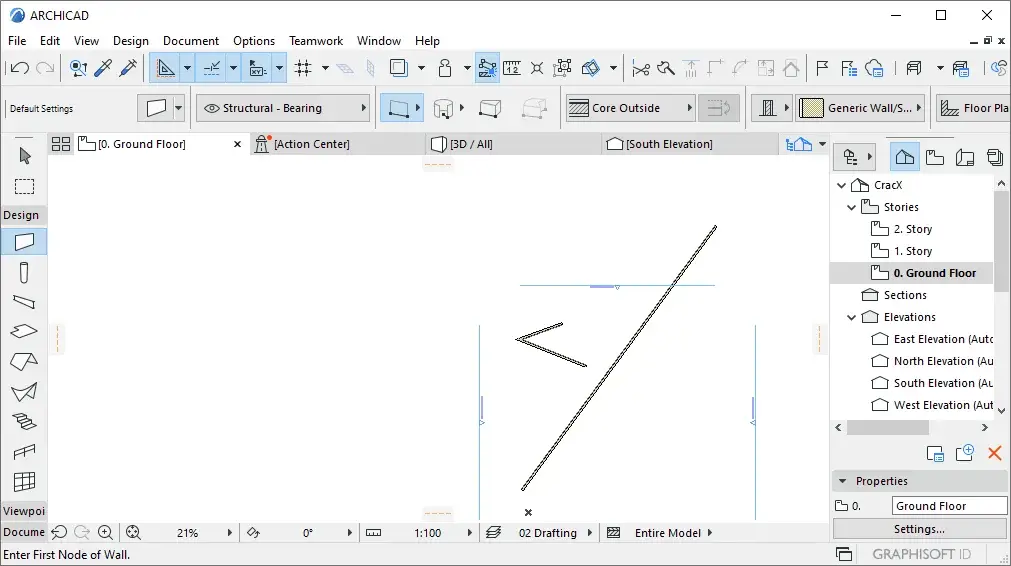
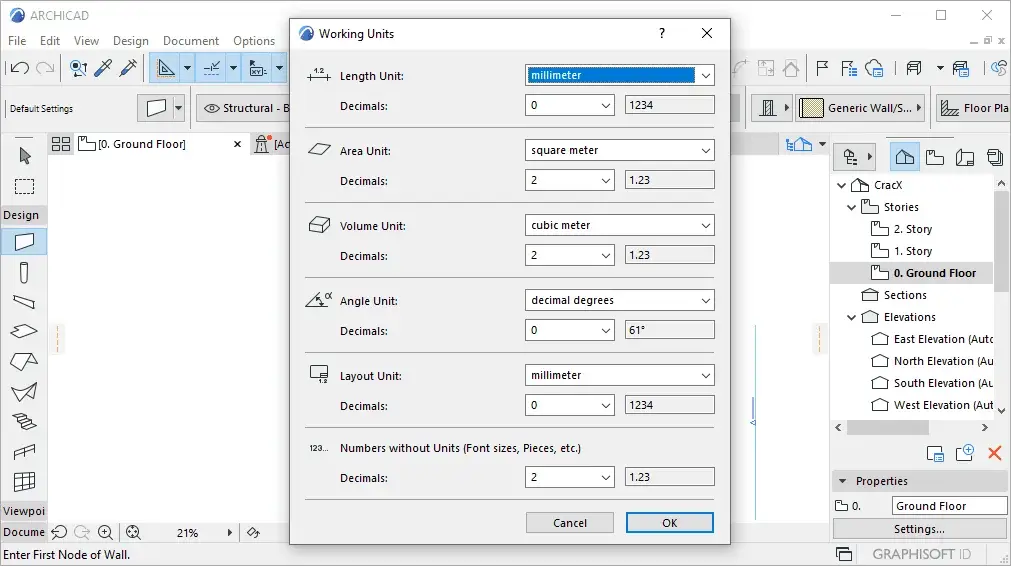
System Requirements (Windows)
| Component | Minimum | Entry-Level | Mid-Range | High-End |
|---|---|---|---|---|
| Project Type | Residential homes | Apartment and office buildings | High rises, hospitals | |
| CPU | Intel/AMD x64 multi-core processor | Intel Core i5 / AMD Ryzen 5 | Intel Core i7 / Core Ultra 7 / AMD Ryzen 7 | Intel Core i9 / Core Ultra 9 / AMD Ryzen 9 |
| RAM | 8 GB | 16 GB | 32 GB | 64+ GB |
| Disk | NVMe SSD, 5+ GB free space | NVMe SSD, 5+ GB free space | NVMe SSD, 5+ GB free space | NVMe SSD, 5+ GB free space |
| Graphics Card | DirectX 11 compatible | 4 GB VRAM, DirectX 11 compatible, Benchmark score of 10,000 or higher | 6 GB VRAM, DirectX 11 compatible, Benchmark score of 15,000 or higher | 8 GB VRAM, DirectX 11 compatible, Benchmark score of 20,000 or higher |
| Display Resolution | 1440 x 900 | FHD+ (1920×1080) | 2K (2560×1600) | 5K (5120×2880) |
| Internet | Required for Graphisoft ID connection, License Manager Tool, remote BIMcloud access, and downloading updates | |||
| Protection Key | A cloud license, CodeMeter software key, or CodeMeter hardware key is required for commercial use |