PTC Mathcad Prime: Engineering Calculation Software Built for Precision
PTC Mathcad Prime is engineering math software that lets you solve, analyze, document, and share your most vital engineering calculations. It is built for professionals who need accurate calculations, traceability, intellectual property protection, and a way to show their work clearly.
PTC Mathcad Prime Information
Title: PTC Mathcad Prime
Developer: PTC Inc.
Platform: Windows 11 (64-bit).
Official Website: PTC
PTC Mathcad Prime Overview

Mathcad Prime is built around the idea of documenting engineering calculations the way they would appear in a textbook, not as disconnected spreadsheet cells. Calculations are written using natural mathematical notation directly in an engineering notebook, combined with units intelligence that keeps every value tied to its correct unit throughout the worksheet.
Everything comes together in a single, professionally formatted document. Rich formatting options let you combine math with text, images, and plots on the same page, so a finished worksheet reads as clearly to a colleague or client as it does to the person who built it.
PTC updates Mathcad Prime twice a year through a major release and a maintenance release. The current version, Mathcad Prime 12, focuses on faster worksheet performance, upgraded native 2D plotting, and a foundational shift in the software’s underlying architecture that sets up future improvements.
Also Check Out: Pepakura Designer
PTC Mathcad Prime Key Benefits
- Reduce errors with calculation precision: State-of-the-art optimization solvers and continually updated engines bring precision to every calculation, while units intelligence and balancing prevent unit conversion errors.
- Decrease time to market: Standardized calculations can be repurposed from one project to the next by building a reusable template library.
- Make complex actions feel easy: The equation editor works like writing math straight out of a textbook, and the basics can be learned within minutes, with documentation and examples available for more advanced features.
- Document your design intent: Math, text, images, plots, tables, and hyperlinks can all be combined in one place, making sure clients understand exactly what is being shown and why.
- Integrate with your other tools: Engineering calculations form the foundation of your intellectual property, and Mathcad connects to that workflow with bi-directional integrations for Creo, Windchill, and Excel, or through a custom-built API integration.
PTC Mathcad Prime Key Features
- Units: A complete set of units across SI, USCS, and CGS systems is built in, with support for defining custom units. Units can be attached directly to variables and converted automatically between systems when needed.
- Solving and Optimization: Built-in functions handle linear, nonlinear, and differential equations, along with finding optimal maximum or minimum points for a given function.
- Plots and Charts: Several plotting options are available, ranging from 2D XY charts to 3D plots, polar plots, and contour plots, all customizable to a publication-ready standard.
- Symbolic Calculations: Two calculation engines, numeric and symbolic, give flexibility in approach. The symbolic engine can return results containing mathematical symbols and evaluate expressions without needing values assigned to variables first.
- Programming: Logic can be added using familiar programming constructs and natural math notation, including loops and conditional statements, directly inside the Mathcad environment.
- Control Structures: Worksheets can be made interactive and automated with basic and advanced controls, including combo boxes, list boxes, sliders, check boxes, buttons, radio buttons, and configurable text boxes, with scripting support for further customization.
What’s new in PTC Mathcad Prime 12?
The current version, 12, was released on May 13, 2026. According to the official changelog, this update includes:
Application Updates
- 2D Native Plot Updates: Plot titles, axes titles, gridlines, and a legend can now be added directly to native 2D plots.
- Performance Enhancements: Calculations render faster than in previous versions.
- Header and Footer Updates: Page numbering on the first page can be customized, along with setting a custom total page count and choosing where page numbering begins.
- Hide Symbolic Keywords: Symbolic keywords and modifiers can now be hidden from the symbolic evaluation arrow.
Engine Enhancements
- Functions to Analyze Functions: A new class of functions performs symbolic analysis, returning information such as local or global extrema or evaluating continuity.
- MultiStart for Solver Functions: Solving and optimization functions can be instructed to search for a global solution, increasing the likelihood of converging on an answer.
- Optimized or Non-Optimized Solver Functions: Selecting the Optimize setting prioritizes a faster, more approximated result for minimize and maximize functions.
- Manual Definition of First and Second Derivatives for Solver Functions: Entering the first and second derivative manually now produces a faster solution.
- Improvements of Calculus Operators in Symbolics: Expanded use cases now cover limits, range summations, indefinite integrals, and more.
- King Rule Support: The symbolic engine now supports the King Rule for solving definite integrals.
- Clear Function Improvements: The clear function can now reset system variables such as ORIGIN back to their default values.
- Substitution of Integral Variables: Integration by substitution is now supported for cases involving a single variable.
Usability Updates
- Find and Replace Identifier with Subscript: Identifiers containing subscripts can be found and replaced with new identifiers quickly.
- Hide Solve Block Labels: Worksheet readability can be improved by hiding solve block labels.
- Larger Page Sizes: Larger printable canvas options allow more content to be displayed per page.
- Worksheet Background Colors: Worksheets can be set to Mathcad’s default paper color, white, or gray.
- Quality Improvements for Embedded OLE: Embedded objects maintain higher resolution while zooming, resizing, or exporting worksheets.
- Refresh Buttons for Include Regions: Include regions now have a refresh button to quickly pull the latest data from the included worksheet.
Foundational Upgrade
Mathcad Prime’s back-end architecture has been migrated from .NET Framework to .NET. This foundational change supports future innovation across engine enhancements, usability updates, and UI/UX improvements, while also removing long-term platform risk and simplifying future .NET transitions.
Maintenance Releases
Mathcad Prime also receives maintenance releases separate from major feature releases, focused on stability, reliability, known bug fixes, and security enhancements. Maintenance releases are fully compatible with the major version they update. As of this release, Mathcad Prime 12 does not yet have any available maintenance releases.
Industry Insights
What is engineering calculations software?
Dedicated engineering calculation software like Mathcad Prime offers clear documentation, natural math notation, and intellectual property protection. The goal is to make sure that engineering knowledge is properly captured, shared, and available to be leveraged on future projects rather than locked in one person’s head or buried in a hard-to-read spreadsheet.
Civil and Structural Engineering Calculations.
Civil and structural calculations are the backbone of safe, reliable infrastructure. They guide the design and analysis of bridges, buildings, dams, and other critical structures. Mathcad Prime is trusted by civil and structural engineers for its intuitive interface, units intelligence, and clear documentation of complex calculations like stress, strain, and load analysis.
Electrical Engineering Calculations.
Electrical engineering calculations cover a wide range of tasks from circuit analysis and power calculations to signal processing and control systems modeling. Mathcad enables engineers to solve, analyze, and share complex electrical calculations accurately and confidently without losing traceability.
Mechanical Engineering Calculations.
Mechanical engineers rely on accurate calculation software to document design decisions at every stage. From bolts to transmissions, Mathcad provides a comprehensive environment to analyze stress, dynamic motion, efficiency, friction, and more, while keeping the documentation clear and auditable.
Why Excel Falls Short for Engineering Calculations.
Excel is widely used for organizing data and performing basic calculations, but it lacks built-in support for engineering units, advanced math notation, and complex calculations like differential equations. These gaps create real risks in engineering workflows. Mathcad and Excel can be integrated to work together, combining Excel’s data organization strengths with Mathcad’s calculation and documentation capabilities.
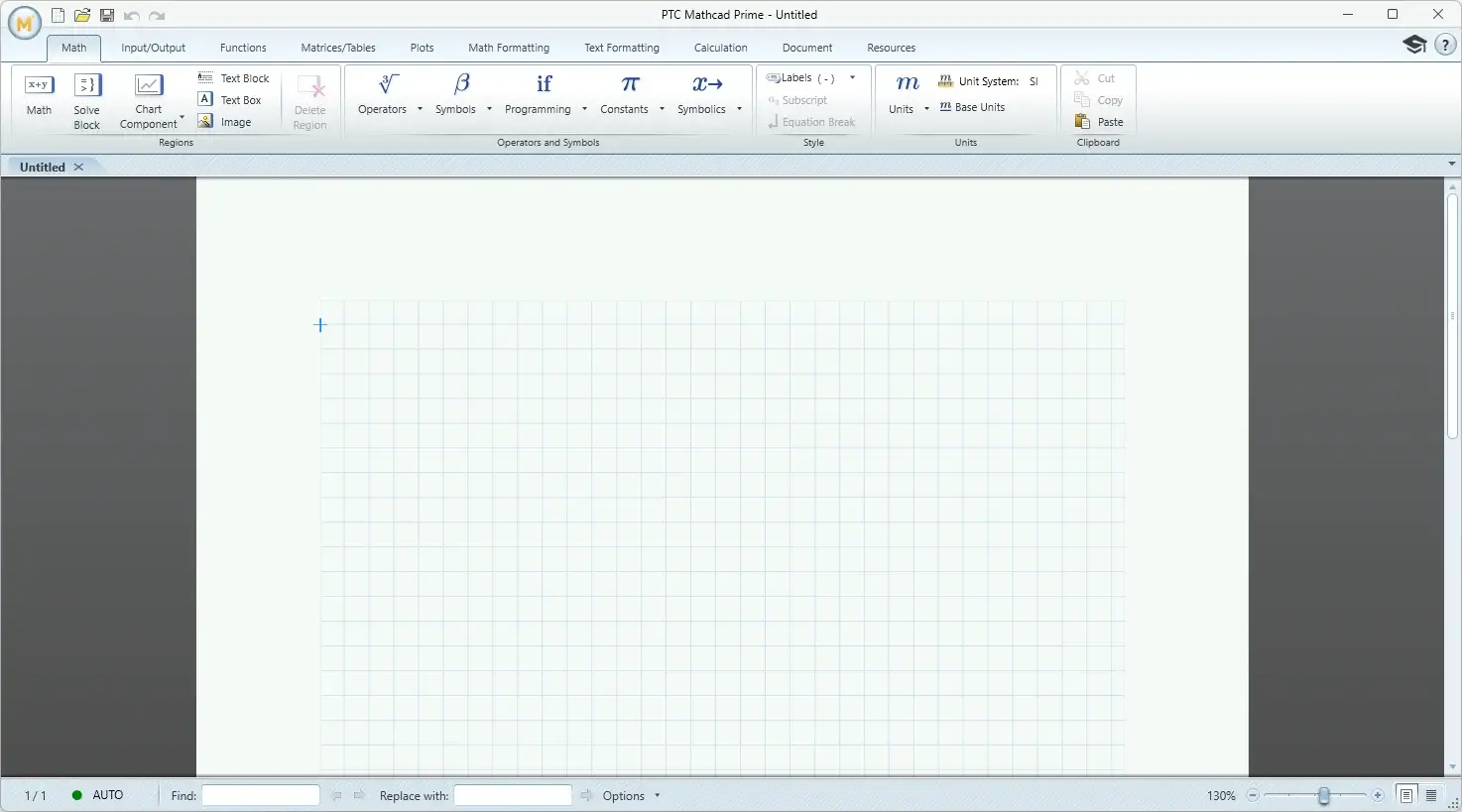
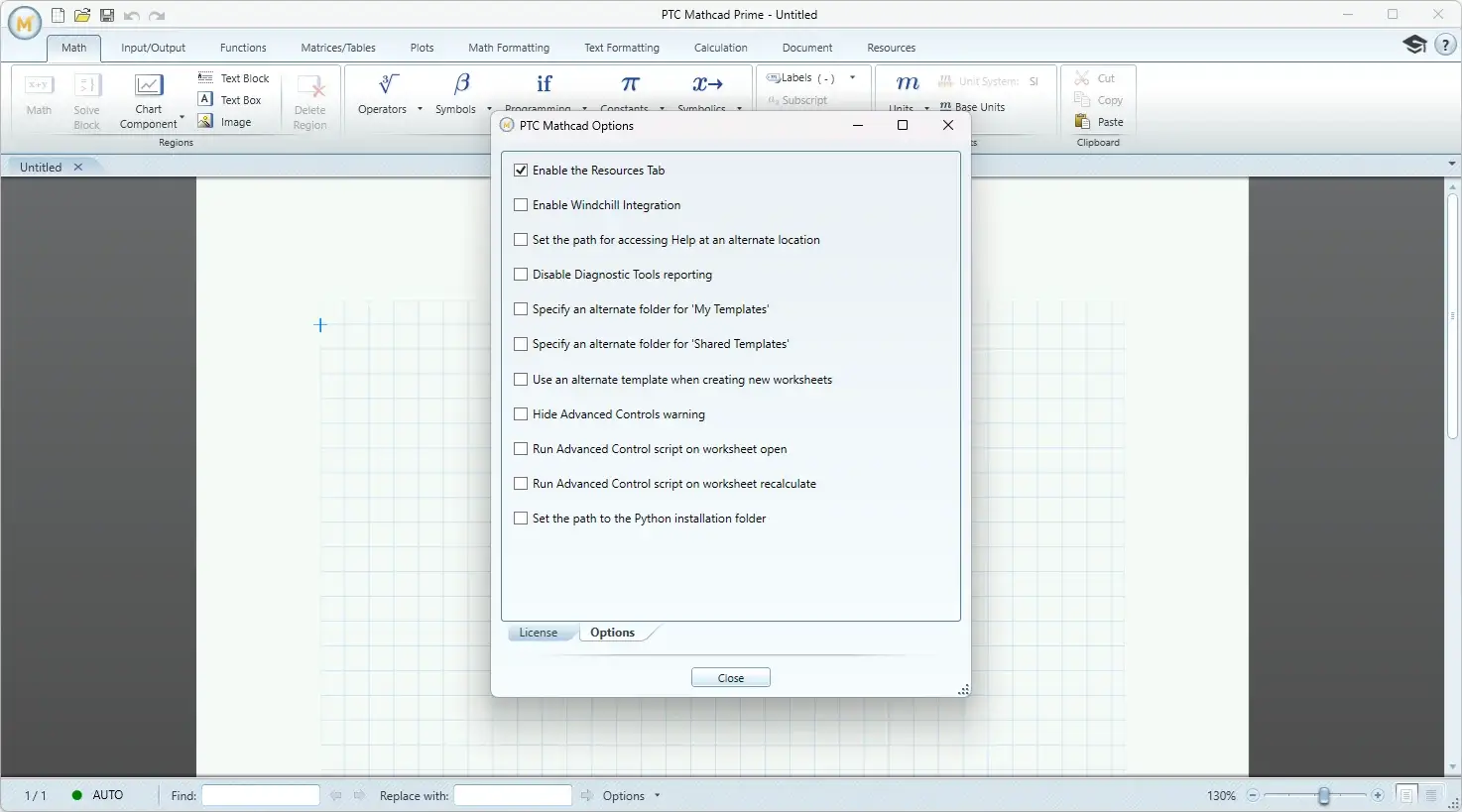
PTC Mathcad Prime Tested Screenshots
System Requirements
| Component | Requirement |
|---|---|
| Operating System | Windows 11 (64-bit) version 23H2, 24H2, or 25H2 |
| Excel Integration Software | Microsoft Office 2021 (64-bit), Microsoft Office 2024 (64-bit), or Microsoft 365 Desktop Applications (64-bit) |
| .NET | Version 8.x |
| Network | TCP/IP network adapter required |
| Pointing Device | Microsoft-compatible mouse or equivalent device |
| Disk Space (Application) | 670 MB for the core application installation |
| Disk Space (Language Converter) | 56 MB |
| Disk Space (Local Help, per language) | 75 MB for each local help language installed |