Pepakura Designer: Turn Any 3D Model Into a Buildable Paper Craft
Pepakura Designer is Windows software from Tama Software Ltd. that converts 3D digital models into printable 2D patterns ready to be cut, folded, and glued into physical paper models. It’s built for papercraft hobbyists, cosplayers making props and costumes, educators running hands-on geometry lessons, architects producing physical scale models, and artists turning 3D concepts into tangible objects.
Software Information
- Title: Pepakura Designer
- Developer: Tama Software Ltd
- Platform: Windows
- Official Website: Pepakura
Pepakura Designer Overview

Pepakura Designer doesn’t create 3D models itself. It takes a 3D model you’ve already made in another program and turns it into a flat, printable pattern. The developer specifically recommends Metasequoia as a companion tool, since it’s free and highly compatible with Pepakura Designer, though the software also accepts OBJ, 3DS, STL, and glTF files from virtually any 3D modeling program.
The basic process runs in five steps. You create your 3D model in your preferred software, import it into Pepakura Designer through File and Open, press Unfold to instantly generate the flattened pattern, edit that pattern as needed, and print it. Before unfolding, you can also switch into an edit mode to manually mark specific edges as cut lines if you want more control over how the model splits apart, and by default nearly flat edges are hidden from the pattern to reduce visual clutter.
Once a model is unfolded, the editing tools give you real control over the final layout. You can select and move parts individually or in groups, rotate them using an on-screen handle, connect or disconnect parts along specific edges with a visual arrow showing the direction of the join, recolor or hide individual fold lines, and switch or reshape the flaps used for gluing. When you’re ready to print, Pepakura Designer lets you adjust sheet size and line thickness, and you can add outline padding around each part for cleaner, more precise assembly.
One of the more significant recent additions is the ability to fit a costume model to your own body using a reference avatar. You load a human body model, either from a set of ready-made presets covering different genders, heights, and weights, or a custom one you’ve built yourself in a free tool like MakeHuman, and position it as a translucent overlay inside the 3D view. From there, you can drag your costume model into place against the avatar and scale it independently along the X, Y, and Z axes, with the 2D pattern updating automatically in real time as you resize. This turns a generic costume model into one that’s shaped specifically for your own maeasurements before you ever print a single sheet.
Also Check Out: CrawlRhino SEO Crawler
Pepakura Designer Key Benefits
- No 3D modeling skills required inside the app: Bring a model made in any compatible software and Pepakura Designer handles the flattening for you.
- One-click unfolding: A single button press turns a full 3D model into a ready-to-edit paper pattern.
- Precise costume fitting: The reference avatar feature lets you scale costume models to your own body measurements before printing, which matters a lot for cosplay props and wearable builds.
- Full control over the final layout: Parts can be moved, rotated, joined, split, and recolored until the pattern matches exactly what you want to build.
- Guided, mistake-resistant assembly: Numbered edges and directional arrows tell you exactly which tabs glue to which slots.
- Broad file compatibility: OBJ, 3DS, STL, and glTF 2.0 formats are all supported for import, covering most modern 3D modeling workflows.
- Cutting machine support: Built-in compatibility with Silhouette CAMEO allows for precision machine-cut parts instead of manual cutting.
- Multiple export formats: Finished patterns can be exported as SVG, BMP, PNG, GIF, JPG, EPS, DXF, or PDF depending on what you need.
- Multi-language interface: The UI is available in several languages, with French and Portuguese support added most recently.
- Try before you commit: Every feature except saving and exporting is available before purchasing a license.
Pepakura Designer Key Features
- One-Click Unfolding: Import a 3D model and press Unfold to instantly generate a complete printable layout, with an option to disable Auto mode and set manual pattern dimensions beforehand.
- Manual Cutting Edge Control: Switch into edit mode to manually specify which edges should act as cut lines before unfolding, giving you control over exactly how a model splits apart.
- Reference Avatar Fitting: Load a preset or custom human body model as a translucent overlay, then position and scale your costume model against it, with the 2D pattern updating live as you adjust it.
- Part Movement and Rotation: Drag parts freely in the 2D layout, select multiple parts at once with Shift-click or box selection, and rotate using the on-screen handle, with Ctrl held down snapping rotation to 15-degree increments.
- Join and Disjoin Faces: Click any edge to connect two parts along it or separate them, with a directional arrow showing how the parts will align before you confirm.
- Flap Editing: Switch flap positions or reshape them individually using two dedicated sub-modes for full control over the glue tabs.
- Edge Color and Visibility Control: Recolor individual fold lines to distinguish between fold types, or hide lines that clutter the final print.
- Assembly ID Numbers and Arrows: Every edge pair is automatically numbered with a directional arrow, keeping even complex multi-page builds organized during assembly.
- Texture Support: Display a model with full color textures, switch to a plain white version, or load a different texture image directly inside the software.
- Object List with Multi-Selection: Browse, sort alphabetically, and select multiple parts at once through the Object List panel using Ctrl and Shift.
- Undo and Redo: Step backward and forward through recent actions, with expanded Undo and Redo coverage added in a recent update.
- Grid Snapping: Toggle snapping to the grid directly from the control panel for more precise part placement.
- Adaptive Zoom and Navigation: Wheel zoom in the 3D view adjusts precision automatically at high zoom levels, and both the 3D and 2D views zoom based on cursor position rather than a fixed center point.
- Duplicate with Spacebar: Quickly duplicate selected objects in pattern edit mode using the Space bar.
- glTF 2.0 Import Support: Load 3D models directly in .gltf and .glb format alongside the existing OBJ, 3DS, and STL support.
- Automatic Blender Coordinate Detection: OBJ files exported from Blender have their coordinate system and scale detected automatically, skipping the manual axis adjustment step.
- Tight Pattern Packing: An option in the unfolding algorithm packs parts tightly without gaps to save paper.
- PDF Pattern Export: Export finished patterns directly as PDF files in addition to the other supported formats.
- Silhouette CAMEO and Cricut Compatibility: Export registration marks and DXF files for Silhouette CAMEO cutting machines, including CAMEO 5 alpha support, with SVG exports adjusted to maintain correct scale in Cricut Design Space.
- Clipboard Paste Into 2D View: Paste images and text directly onto the pattern using Ctrl+V, and duplicate image or text objects with Ctrl+C and Ctrl+V.
- String Search: Locate specific parts or objects within a layout using a built-in search function.
- Part Alignment Tools: Automatically align selected objects in the order they were selected in the 3D view.
- Normal Inversion: Flip the faces of selected parts in both the 3D and 2D views at once to correct inside-out geometry.
- Dark Mode: A simple dark theme available under Settings for more comfortable use in low-light environments.
- High-DPI Display Support: Toolbar and button icons scale properly on high-resolution screens, and the control panel width adjusts automatically to match DPI settings.
- Multi-Language Interface: UI support spans several languages, with French and Portuguese added most recently.
- Page Size Freedom: Page size can be set up to 100,000mm, removing any practical upper limit for large-format projects.
- Startup Reset: Hold Shift while launching the app to reset toolbar positions and window layout if anything gets displaced.
What’s new in Pepakura Designer 6.3.8?
The current version, 6.3.8, was released on October 07, 2026. According to the official changelog, this update includes:
- When the unfolded pattern is discarded with [Undo Unfold], the 2D view now returns to its initial state showing a single sheet of paper.
- Fixed an issue where, with [Avoid page boundaries] turned on, even parts that fit on the paper were sometimes split apart during unfolding.
- Fixed an issue where the vertical position of text was shifted in printing and in PDF/SVG/EPS output. Also corrected the position of page numbers in PDF output.
- Fixed an issue where registration mark lines were printed thinner than the specified width; they now have the same width as in PDF output.
- Fixed an issue where toolbars gradually shifted to the right when switching between displays with different resolutions.
- Fixed an issue where fonts temporarily registered by other applications appeared in the font list of the text input dialog.
- Fixed an issue where nothing was shown in the 3D view when opening a file saved with all objects hidden, even after making them visible again.
- Fixed an issue where the selection frame of a deleted part remained in the 2D view after deleting an object.
Pepakura Designer Tested Screenshots
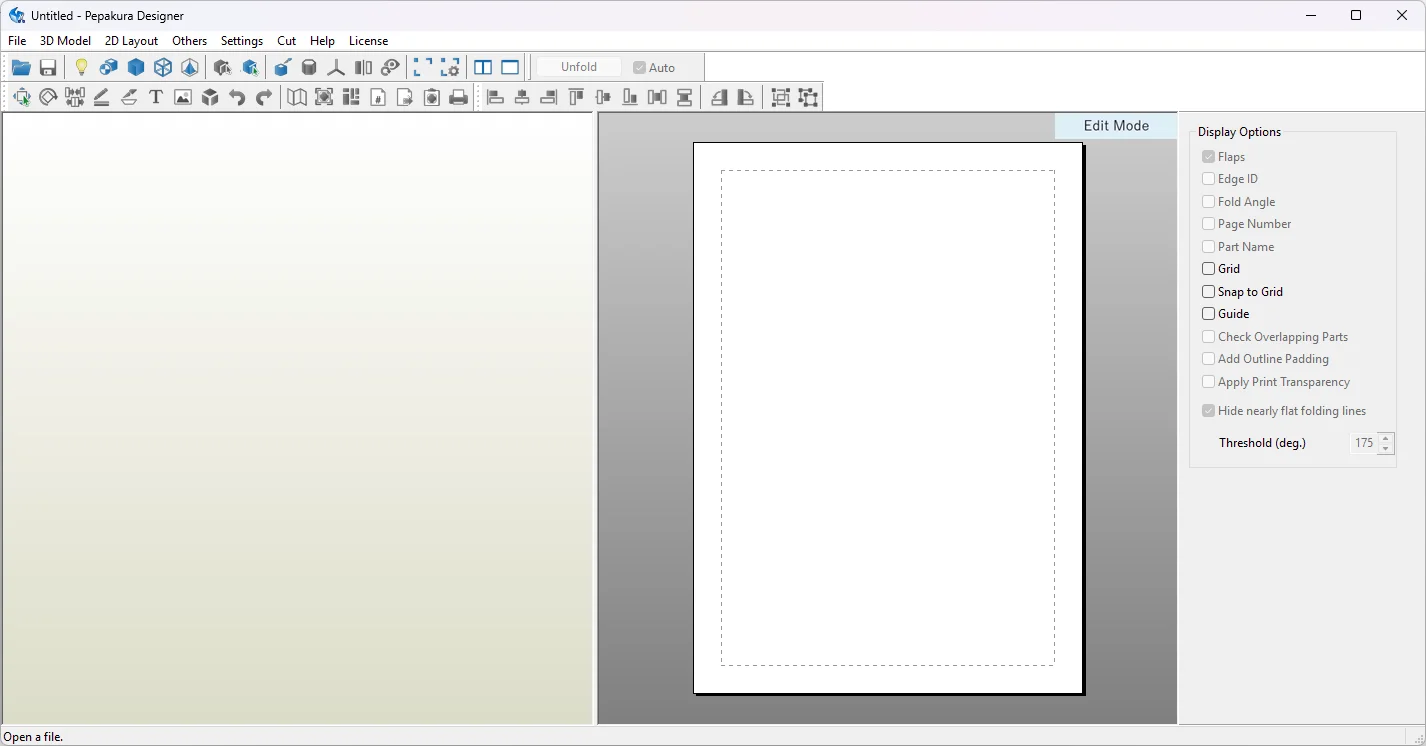
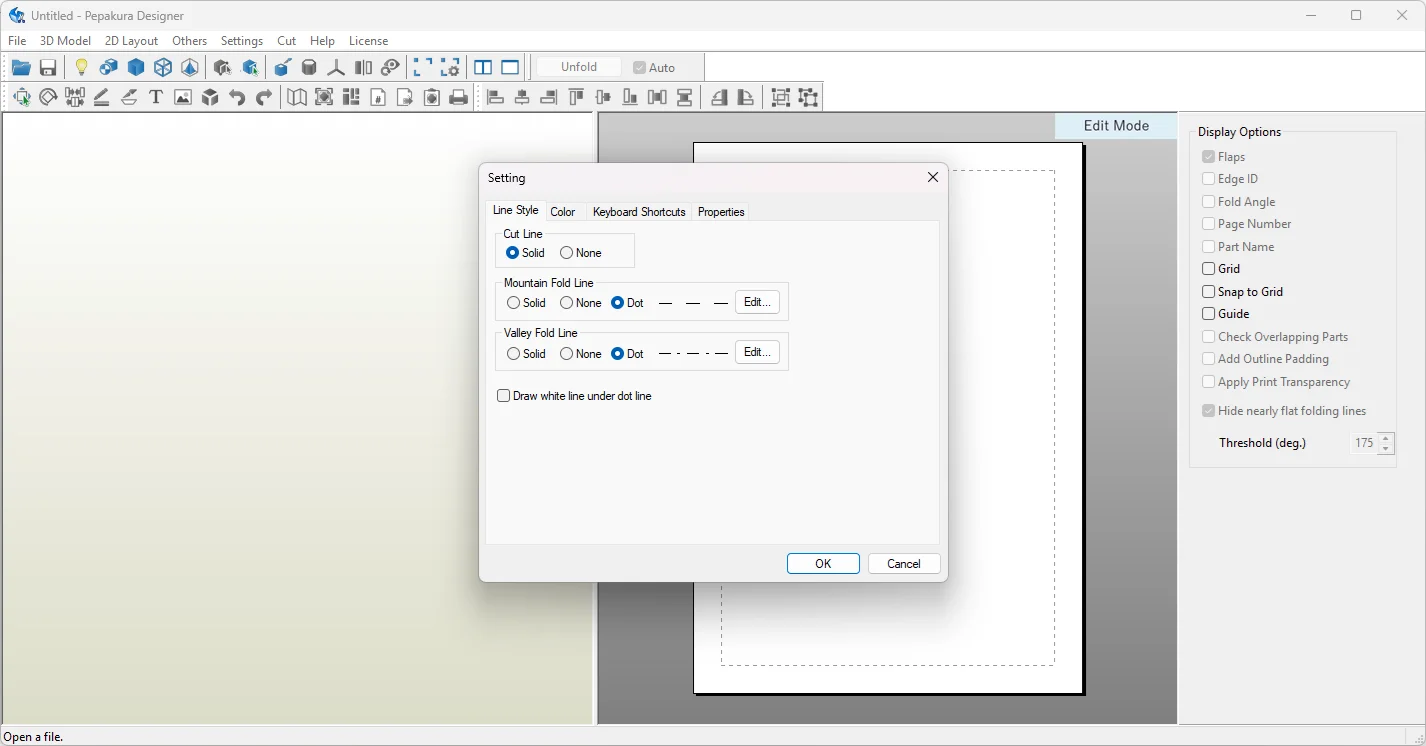
System Requirements (Windows)
| Component | Requirement |
|---|---|
| Operating System | Windows 10 or Windows 11 |
| Processor | Intel or AMD x86/x64 processor |
| RAM | 4 GB or more recommended |
| Storage | 200 MB free disk space |
| Display | 1024 x 768 or higher |
| Internet Connection | Required for license activation |