Android Studio: The Official IDE Built for Android App Development
Android Studio is the official integrated development environment for building Android apps, created by Google and built on IntelliJ IDEA. It brings the code editor, build system, emulator, and debugging tools into one place, and now ships with Gemini built directly into the workflow to help write, fix, and understand code as you go.
Software Information
Android Studio Overview

Android Studio bundles everything needed to design, write, test, and publish an Android app into a single environment. Instead of juggling separate tools for editing code, building the project, and testing on a device, everything happens inside one IDE built specifically around how Android development actually works.
At the center of the current version is Gemini in Android Studio, an AI coding companion woven into the editor itself rather than bolted on as a separate panel. It understands Compose UI code, Gradle build errors, and crash reports because it is built specifically for the Android ecosystem, and it works without needing to switch to a browser or a separate tool.
Beyond the AI layer, the IDE covers the full development cycle. Jetpack Compose gets dedicated design tools for building and previewing layouts, the code editor supports Kotlin, Java, and C/C++ with live updates as you type, the Gradle-powered build system can generate multiple build variants from a single project, and the Android Emulator lets you test across phones, tablets, foldables, Wear OS, TV, and ChromeOS without needing physical hardware for each one. Android Device Streaming extends that further by letting you run your app on real physical devices directly from the IDE.
Also Check Out: AI Text To Speech Generator
Android Studio Key Benefits
- Data stays in your control: Gemini’s chat responses are based on conversation history by default, and a custom
.aiexcludefile lets you control exactly what code Gemini can access. - Everything in one place: Writing, building, testing, debugging, and publishing all happen inside a single IDE instead of switching between separate tools.
- AI built for Android specifically: Gemini in Android Studio understands Compose UIs, Gradle errors, and crash analytics because it was designed around the Android development workflow rather than as a generic coding assistant.
- Stay focused while coding: Agentic AI lives inside the editor, so there is no need to jump to a browser tab to get help with a bug or a build error.
- Test on real hardware without owning it: Android Device Streaming runs your app on actual physical devices covering different screen sizes, OEMs, and Android versions, directly from the IDE.
- Flexible builds from one project: The Gradle build system generates multiple build variants for different devices, with a Build Analyzer to spot performance issues before they become problems.
- Confident publishing: The APK Analyzer inspects your app bundle’s manifest, resources, and DEX files before release, and can compare two builds to see exactly how app size changed between versions.
Android Studio Key Features
Gemini AI Assistance
- Agent Mode: Describe a goal such as generating unit tests, altering a UI, or fixing errors, and the agent builds an execution plan spanning multiple files, suggests edits, and iterates based on your feedback until you accept or reject the changes.
- Multimodal Image Attachment: Attach an image of a wireframe or UI mockup and Gemini converts it into working code ready to insert into the project, or attach a screenshot of a UI bug to get troubleshooting suggestions.
- Prompt Library: Save and organize frequently used prompts, with predefined variables that let a prompt template pull in selected code from a specific file automatically.
- Code Completion and Transformation: Get inline code suggestions as you type, along with the ability to transform existing code, rename variables, and get naming suggestions.
- Unit Test Generation: Generate unit tests directly from existing code without writing them by hand.
- Compose Preview Generation: Generate Compose UI previews to see layout changes without a full build cycle.
- Crash Analysis: Analyze crashes surfaced through App Quality Insights directly within the assistant.
- Commit Messages and Documentation: Generate commit messages and inline code documentation automatically.
- Configurable Context Sharing: Control what project context Gemini can reference when generating responses.
Design and Editing
- Compose Design Tools: Build dynamic layouts with Jetpack Compose, preview them across screen sizes, and inspect Compose animations using built-in inspection tools.
- Intelligent Code Editor: Code completion covers Kotlin, Java, and C/C++, with Live Edit showing Compose code changes reflected immediately as you type.
Build System
- Flexible Gradle Build System: Customize builds to generate multiple build variants for different Android devices from a single project.
- Build Analyzer: Analyze build performance and pinpoint where potential build issues exist in the project.
Testing and Devices
- Android Emulator: Test apps across a wide range of virtual Android devices, using responsive layouts that adapt to phones, tablets, foldables, Wear OS, TV, and ChromeOS.
- Android Device Streaming: Run apps on real physical devices directly from Android Studio to verify behavior across different screen sizes, OEMs, and Android versions.
Publishing
- Android App Bundle and APK Analyzer: Inspect the contents of an APK or Android App Bundle before publishing, including the manifest file, resources, and DEX files, and compare two builds to see how app size changed between versions.
What’s new in Android Studio 2026.2.1?
The current version, 2026.2.1, was released on October 02, 2026. According to the official changelog, this update includes:
- This release includes minor fixes and improvements.
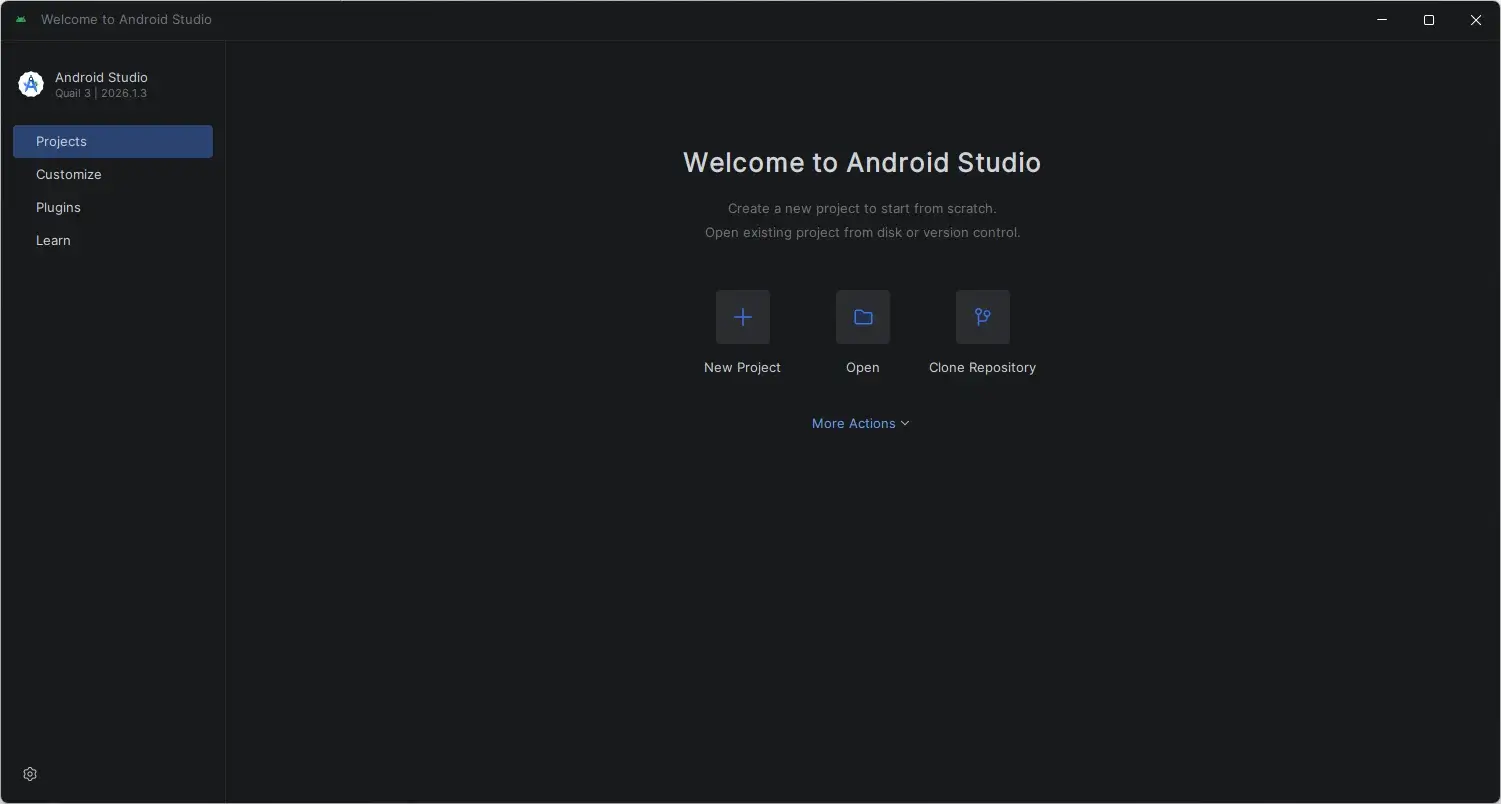
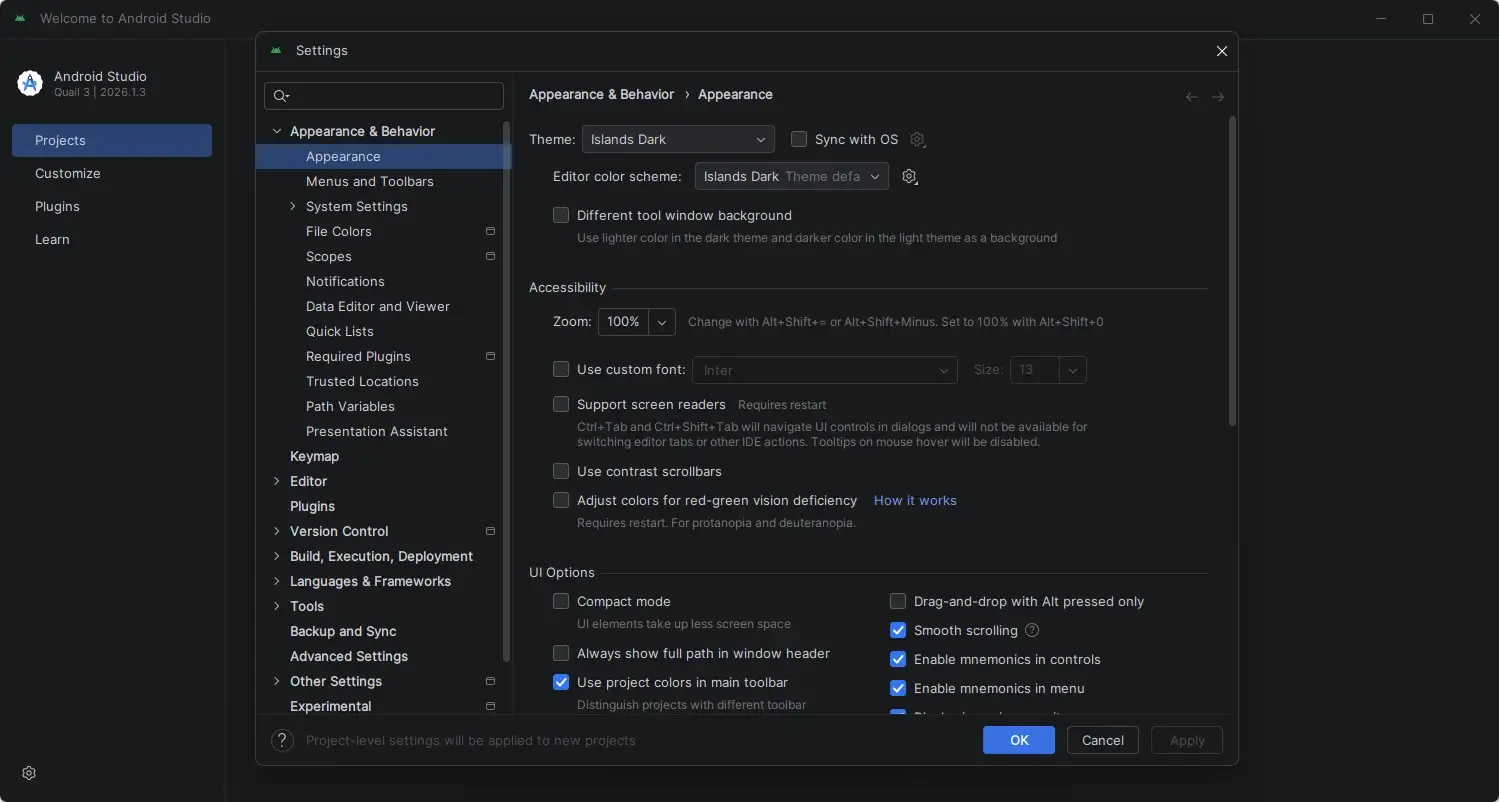
Android Studio Tested Screenshots
System Requirements (Windows)
| Component | Requirement |
|---|---|
| Operating System | Windows 8/10/11, 64-bit |
| Processor | x86_64 architecture; 2nd generation Intel Core or newer, or an AMD CPU with support for Windows Hypervisor |
| RAM | 8 GB or more |
| Storage | 8 GB of available disk space minimum, covering the IDE, Android SDK, and Android Emulator |
| Display | 1280 x 800 minimum screen resolution |
| Internet Connection | Required for downloading SDK components and updates |