Sublime Text: The Fast, Lightweight Editor Built for Code, Markup and Prose
Sublime Text is a text editor built for speed and precision, used for writing and editing code, markup, and plain prose. It runs on Windows, macOS, and Linux, and it has built a reputation over the years for staying fast and responsive even when working with very large files or projects with thousands of files.
Sublime Text Information
- Title: Sublime Text
- Developer: Sublime HQ Pty Ltd.
- Platform: Windows
- Official Website: SublimeText
Sublime Text Overview

Sublime Text is built around the idea that an editor should never get in the way of writing. Every part of the interface, from opening files to searching across an entire project, is designed to respond instantly, and this is backed by GPU rendering support on Windows, Mac, and Linux, which keeps the interface fluid even at resolutions up to 8K while using less power than software rendering.
The editor supports native processors across every platform it runs on. On Mac, Sublime Text ships as a Universal 2 binary with full support for both Intel and Apple Silicon chips. On Linux, ARM64 builds are available for devices like the Raspberry Pi alongside standard 64-bit builds. On Windows, both 32-bit and 64-bit builds are supported, though ARM-based Windows systems are not currently supported.
One of Sublime Text’s defining features is Tab Multi-Select, which turns file tabs into first-class interface elements. Holding a modifier key while performing an action, such as clicking a tab or using Goto Anything, splits the view to show multiple tabs side by side, extending into the sidebar, Goto Definition, Goto Reference, and Goto Symbol in Project as well. The Definitions popup itself supports the same side-by-side viewing, so a full definition can be explored instead of just a small summary in a popup.
Auto complete has been rewritten around context awareness. Rather than only suggesting words already typed in the open file, the completion engine scans an entire project in the background to build an index, then uses that index to suggest completions based on patterns found elsewhere in the codebase, complete with information about what kind of symbol is being suggested and direct links to its definition.
Syntax highlighting runs on a significantly improved engine capable of handling non-deterministic grammars, multi-line constructs, lazy-loaded embedded languages, and syntax inheritance, all while using less memory and loading faster than before. TypeScript, JSX, and TSX are supported out of the box as part of this update. The underlying Python API used for plugins has also been updated to Python 3.8, while remaining backward compatible with packages built for Sublime Text 3, and has been significantly expanded to better support plugins such as LSP.
Also Check Out: Sublime Merge
Sublime Text Key Benefits
- Consistently fast performance: GPU-accelerated rendering keeps scrolling, typing, and navigation smooth, even in very large files.
- Works the same way everywhere: Native support for Intel, Apple Silicon, and ARM64 processors means the same experience across Windows, Mac, and Linux.
- Faster multi-file navigation: Tab Multi-Select and side-by-side Definitions make it possible to compare code or jump between related files without losing context.
- Smarter code completion: Context-aware auto complete draws on patterns from the entire project, not just the current file.
- Handles huge projects without slowing down: The background indexing engine builds a searchable map of an entire project for instant Goto Definition and Goto Symbol lookups.
- Built-in version control awareness: Git status, diff markers, and change history are visible directly in the editor without needing a separate Git client open.
- Deeply customizable: Settings, themes, key bindings, snippets, and full plugin support let the editor be shaped around individual workflows.
- No enforced trial limits: The editor can be evaluated fully before any purchase decision needs to be made.
Sublime Text Key Features
Core Editing and Interface
- GPU Rendering: Utilizes the GPU for interface rendering on Linux, Mac, and Windows, enabling fluid performance up to 8K resolutions while using less power than before.
- Native Apple Silicon and Linux ARM64 Support: Ships as a Universal 2 binary on Mac and offers ARM64 builds on Linux for devices such as the Raspberry Pi.
- Tab Multi-Select: Splits the interface to show multiple tabs at once using a modifier key, with support throughout the side bar, tab bar, Goto Anything, and more.
- Side-by-Side Definitions: The Definitions popup, Goto Definition, Goto Reference, and Goto Symbol in Project all support viewing full definitions side by side instead of in a small popup.
- View Definitions in Auto Complete: Clicking the Definition link on an auto-complete suggestion, or pressing F12, opens the definition alongside the current file.
- Multiple Selections: Select the next occurrence of the current word to rename variables quickly across a file, with the option to skip specific occurrences.
- Refreshed UI: Updated Default and Adaptive themes with new tab styles, inactive pane dimming, and automatic dark mode switching based on system preference. Adaptive theme on Windows and Linux now includes custom title bars.
- Distraction Free Mode: Displays files full screen with all UI chrome hidden but selectively accessible, with its own customizable settings for line numbers, gutter, word wrap, and centered text.
- Column Selection: Select a rectangular block of text using additive or subtractive selections, with dedicated mouse and keyboard shortcuts on every platform.
- Vintage Mode: An optional vi-style editing mode that combines vi’s command mode, motions, and text objects with Sublime Text’s own multiple selection features.
Syntax and Language Support
- Superpowered Syntax Definitions: A rebuilt syntax highlighting engine supporting non-deterministic grammars, multi-line constructs, lazy-loaded embeds, and syntax inheritance, with reduced memory usage and faster load times.
- TypeScript, JSX, and TSX Support: Shipped by default, with the same smart syntax-based features available across the modern JavaScript ecosystem.
- Scope Naming and Selectors: A structured scope system underlies syntax highlighting, color schemes, and settings targeting, giving fine control over how different code elements are styled and matched.
Code Intelligence and Navigation
- Context-Aware Auto Complete: Rewritten to provide smart completions based on existing code across an entire project, with suggestions labeled by kind and linked to their definitions.
- Indexing Engine: Scans all files and folders in a window or project in the background to power Goto Definition, Goto Reference, and context-aware completions.
- Goto Definition and Goto Symbol in Project: Fuzzy-search through every symbol in a project instantly, with results shown via hover popups or dedicated keyboard shortcuts.
- Completions System: Draws suggestions from the current file, project-wide context analysis, custom completion files, snippet files, and plugins, with support for rich metadata like kind icons, annotations, and detail text.
- Snippets: XML-based boilerplate templates supporting tab-triggerable fields, default content, and variable substitution using regular expressions.
Git and Version Control
- Git Integration: Displays file and folder status badges in the side bar, the current branch and change counts in the status bar, and de-emphasizes ignored files automatically.
- Diff Markers: Shows gutter markers for added, modified, and deleted lines, configurable to diff against either the working directory or the Git HEAD.
- Incremental Diff: Tracks every buffer modification as it happens, independent of version control, allowing navigation between changes, inline diff viewing, and reverting individual modifications.
- Sublime Merge Integration: Direct links from the editor context menu and command palette to open a Git repository, view file or line history, or blame a file in Sublime Merge, Sublime HQ’s companion Git client.
Projects and Organization
- Projects: Define included folders, per-project settings, and custom build systems through a .sublime-project file, with user-specific session data stored separately in a .sublime-workspace file.
- File and Folder Patterns: Fine-grained include and exclude patterns control which files appear in the side bar, get indexed, or are treated as binary.
- Build Systems: Configure custom build commands per project, accessible directly through the Tools menu.
Command Line and Developer Tools
- Command Line Interface (subl): A dedicated command line tool for opening files and projects, supporting flags for new windows, waiting on file close, background launching, and safe mode, and usable as a terminal EDITOR for tools like Git.
- Package System: Packages bundle plugins, syntax definitions, menus, and snippets into .sublime-package files or loose directories, with a clear override system between shipped and user-installed packages.
- Plugin API: A Python 3.8 plugin environment with full backward compatibility for packages built on the older Sublime Text 3 API, expanded specifically to support advanced plugins like LSP.
- Package Development Tools: Full documentation and support for building Color Schemes, Themes, Menus, Syntax Definitions, and custom API Environments for developers building their own extensions.
Customization
- Settings System: Deep customization through JSON-based settings files, with separate defaults, user overrides, and project-level overrides.
- Key Bindings: Fully remappable keyboard shortcuts across every command in the editor.
- Font and Indentation Settings: Dedicated controls for font selection and per-syntax indentation behavior.
- Spell Checking: Built-in spell checking with support for custom and system dictionaries.
- Ligatures: Support for font ligatures where the chosen font provides them.
Platform and Compatibility
- Cross-Platform Availability: Full native builds for Windows, macOS, and Linux, with consistent behavior and file compatibility across all three.
- Operating System Support: Compatible with Windows 7 through Windows 11 (32-bit and 64-bit, no ARM), macOS 10.13 and newer as a Universal 2 binary, and Linux with both 64-bit and ARM64 builds available.
- Portable Version: A portable build is available for Windows that runs without a full installation.
- Safe Mode: Launches a sandboxed, clean environment to help isolate issues caused by installed packages.
- Side-by-Side Version Support: Sublime Text 3 and 4 can be run side by side on the same machine, with documented steps for accessing previous versions.
What’s new in Sublime Text 4 Build 4215?
The current version, 4 Build 4215, was released on September 25, 2026. According to the official changelog, this update includes:
- Fixed vintage “M” command not working.
- Mac: Fixed compatibility issue with macOS 10.13 and 10.14.
- Windows: Fixed installer giving an error message on arm64.
- Linux: Worked around issue where non-ascii text was being escaped under GNOME/Wayland.
- Linux: Worked around issue with drag-drop mime types under GNOME/Wayland.
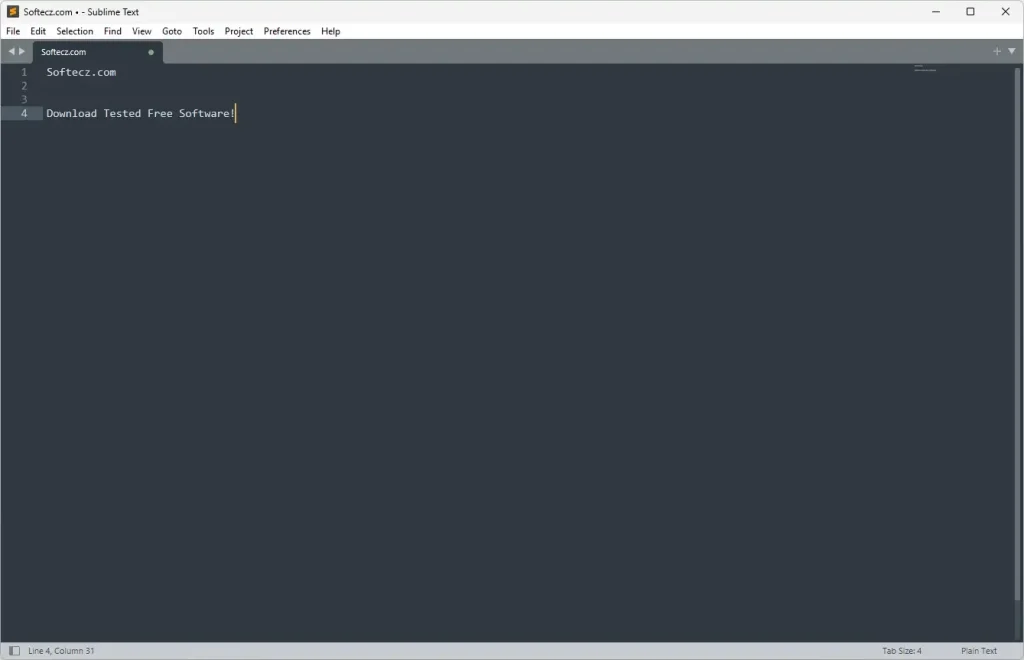
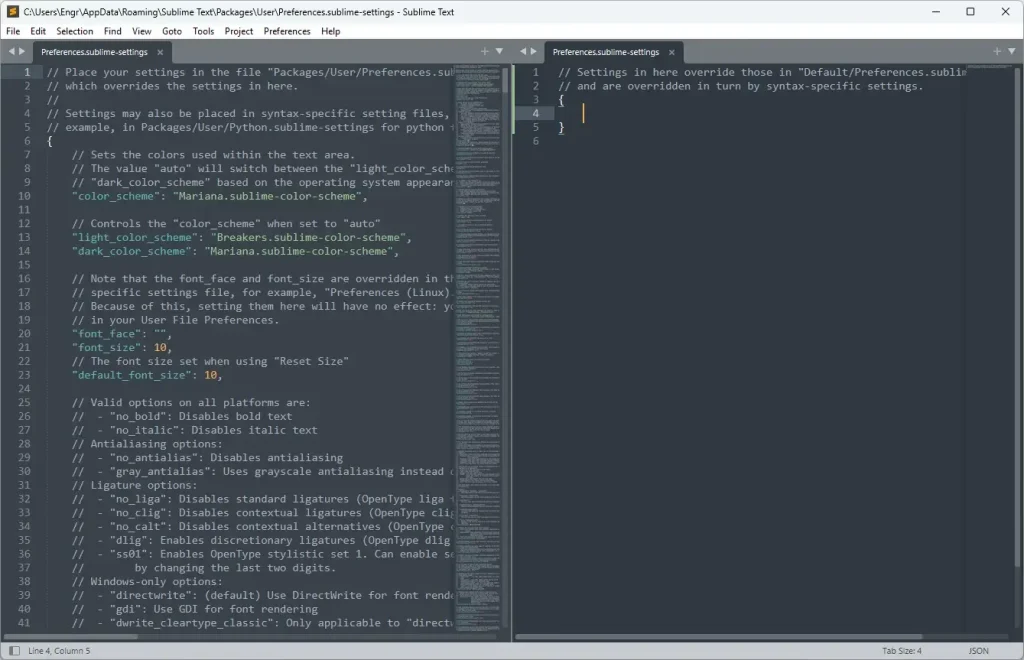
Sublime Text Tested Screenshots
System Requirements (Windows)
| Component | Requirement |
|---|---|
| Operating System | Windows 7, Windows 8/8.1, Windows 10, or Windows 11 |
| Architecture | 32-bit (x86) and 64-bit (x86_64) supported. ARM builds are not currently available for Windows |
| Note on 32-bit Builds | 32-bit builds of Sublime Text do not include Git Integration |
| RAM and CPU | Not officially published; Sublime Text is built to be lightweight and runs comfortably on modest hardware, including older machines |