EndNote: Organize Your Research, Manage References, and Cite with Ease
Research involves more than finding useful papers and articles. Researchers also need to organize references, manage PDFs, keep citation information accurate, and format bibliographies correctly while writing.
EndNote is a reference and citation management tool designed to bring these tasks together. It helps users collect references, organize research material, find full-text articles, create citations, and manage bibliographies from one place.
With tools for reference organization, citation management, research collaboration, full-text discovery, and document assistance, EndNote can make large research libraries easier to manage.
EndNote Information
- Developer: Clarivate
- Platform: Windows
- Official Website: EndNote
EndNote Overview

EndNote provides a central library for managing research references and related files. References can be imported from online databases, organized into groups, and connected with full-text documents.
The software also supports Cite While You Write, allowing users to insert references into supported writing applications and create formatted bibliographies. EndNote provides more than 7,000 bibliographic styles for different academic and publishing requirements.
Research organization can be further improved with groups, Smart Groups, tags, folders, duplicate detection, and full-text tools. EndNote also includes tools for finding reference updates, identifying retracted publications, collaborating on research libraries, and working with documents using AI-powered features.
Also Check Out: Irix HDR Pro
EndNote Key Benefits
- Organize Research References: EndNote provides a central place to collect and manage references. Groups, folders, Smart Groups, and customized tags make it easier to organize large research collections.
- Manage Full-Text Research: References can be connected with PDFs and other research files. EndNote also provides tools for locating available full-text articles.
- Cite While You Write: Cite While You Write allows references to be inserted into supported documents while writing. EndNote can then format citations and bibliographies according to the selected style.
- Work With Thousands of Citation Styles: EndNote includes more than 7,000 predefined bibliographic styles, covering common formats as well as specialized publication styles.
- Collaborate With Other Researchers: Research libraries or selected groups can be shared with other users. EndNote supports permissions for collaborative work and allows libraries to be shared with up to 1,000 users.
- Keep Research Information Up to Date: Tools for reference updates, duplicate detection, retraction alerts, and full-text retrieval help researchers maintain a more organized and reliable reference library.
EndNote Key Features
- Reference Management: EndNote provides a dedicated research library for storing and managing references. References can be organized according to different projects, subjects, or research requirements.
- Groups, Smart Groups, and Tags: Groups allow references to be arranged manually, while Smart Groups can organize references based on defined criteria. Customized tags provide another way to categorize research material.
- Citation Styles: EndNote provides more than 7,000 bibliographic styles. Users can select the appropriate style for their research and use it when creating citations and bibliographies.
- One-Click Reference Capture: References can be collected from databases, PDFs, websites, and other supported sources. Browser-based tools can also help capture reference information while researching online.
- Online Database Searching: EndNote can search supported online bibliographic resources and retrieve references directly into the research library.
- Full-Text Management: EndNote can help locate available full-text articles and attach PDFs to their corresponding references. It can also create references from imported PDFs where applicable.
- Duplicate Detection: Duplicate detection helps identify repeated references in a library so they can be reviewed and removed.
- Cite While You Write: Cite While You Write integrates EndNote with supported writing applications. It allows users to insert citations during the writing process and automatically build a bibliography.
- Google Docs and Word Integration: EndNote supports citation workflows with Microsoft Word and also provides integration with Google Docs and other supported writing environments.
- AI-Powered Research Assistance: EndNote includes AI-powered tools designed to help researchers understand and work with research documents. These tools include:
- Key Takeaways for identifying important information from research papers.
- Chat with a Document for asking questions about a paper using natural language.
- Summarize Selected Text for quickly reviewing selected content.
- Translate PDF or Selected Text for working with research material in other languages.
- Find a Journal: Find a Journal uses machine-learning technology to help identify potentially suitable journals for a manuscript.
- Cite From PDF: EndNote can insert a highlighted quotation from a PDF together with its corresponding citation into a document.
- Find Reference Updates: Reference-update tools help researchers keep reference information current.
- Web of Science Integration: EndNote works with Web of Science information to provide access to citing articles and related records.
- Retraction Alerts: EndNote provides tools for identifying retracted publications, helping researchers review their references and avoid unknowingly using retracted research.
- Cloud Synchronization: EndNote can synchronize research libraries between supported environments, allowing users to keep their references and related information up to date.
- Library Sharing: Researchers can share libraries or selected groups of references with collaborators. Permissions can be managed according to the requirements of a research project.
- Data Restoration: EndNote includes data restoration functionality to help recover research libraries and reference information when necessary.
- EndNote Web: The web-based EndNote experience provides browser access to research references and supports features such as reference management, synchronization, customized tags, and bibliographic styles.
How to Use EndNote?
Create a Research Library: Start by creating or opening an EndNote library where references and research material can be collected.
- Add References: References can be added by searching supported online databases, importing reference information, using connection files and import filters, or capturing references from supported online sources.
- Organize References: Use groups, folders, Smart Groups, and tags to organize references according to research projects, subjects, or other requirements.
- Add Full-Text Files: Attach available PDFs and other research files to the appropriate references. Full-text tools can also be used to search for available articles.
- Review Your Library: Use duplicate detection and reference-update tools to keep the library organized and the information associated with references current.
- Insert Citations While Writing: Use Cite While You Write to insert references into supported documents. EndNote can format the citations and create the bibliography according to the selected citation style.
- Find a Suitable Journal: When preparing a manuscript for publication, Find a Journal can help identify potentially suitable journals for the research.
What’s New in EndNote 2025.4?
EndNote 2025.4, released on October 06, 2026. According to the official changelog, this update includes:
The latest update introduces accessibility improvements, Find Full Text improvements, synchronization performance improvements, and various bug fixes.
Improved Keyboard Navigation
The following areas are now accessible through keyboard navigation:
- Library toolbar
- Reference toolbar
- Edit panel toolbar
- PDF panel toolbar
- Online Search Result toolbar
- Context menu in Edit and PDF panels
- Sync Status on the Sync Status page
- Refresh Status on the Sync Status page
- Retracted Publication section
- Style Preview items below the Summary panel
Dismissible Tooltips
Tooltips that appear when hovering over interface elements can now be dismissed by pressing the Esc key.
Content Manager Comments Fix
The update resolves a keyboard trap in the Content Manager Comments field.
Summary Panel Fix
A keyboard trap in the Summary panel has also been resolved.
PubMed Central Compatibility
Find Full Text compatibility has been fixed for PubMed Central, specifically for URLs.
ScienceDirect Compatibility
Find Full Text compatibility has been fixed or improved for ScienceDirect, specifically for URLs.
Additional Find Full Text Improvements
The update also fixes or improves Find Full Text compatibility for:
- American Phytopathological Society (APS Journals)
- Health Affairs
- IET (Institution of Engineering and Technology)
- RSNA
- SLACK Journals (Healio)
ASCO Publications Support
Find Full Text now supports ASCO Publications (American Society of Clinical Oncology).
OpenURL Resolver Improvements
The update improves Find Full Text’s use of OpenURL resolvers.
Sync Performance Improvements
EndNote 2025.4 includes improvements to synchronization performance.
Various Bug Fixes
The update also includes various bug fixes to improve the overall experience.
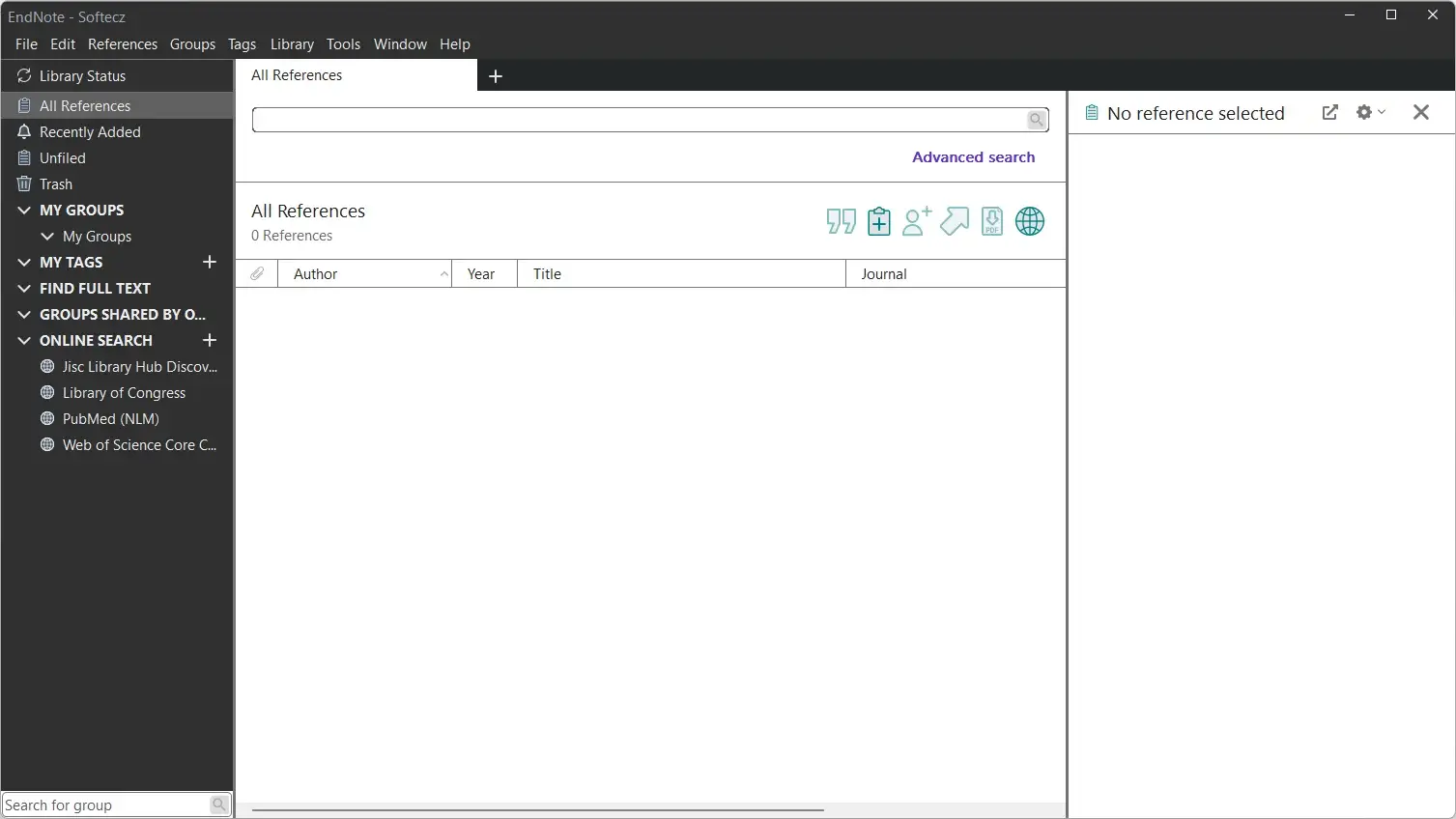
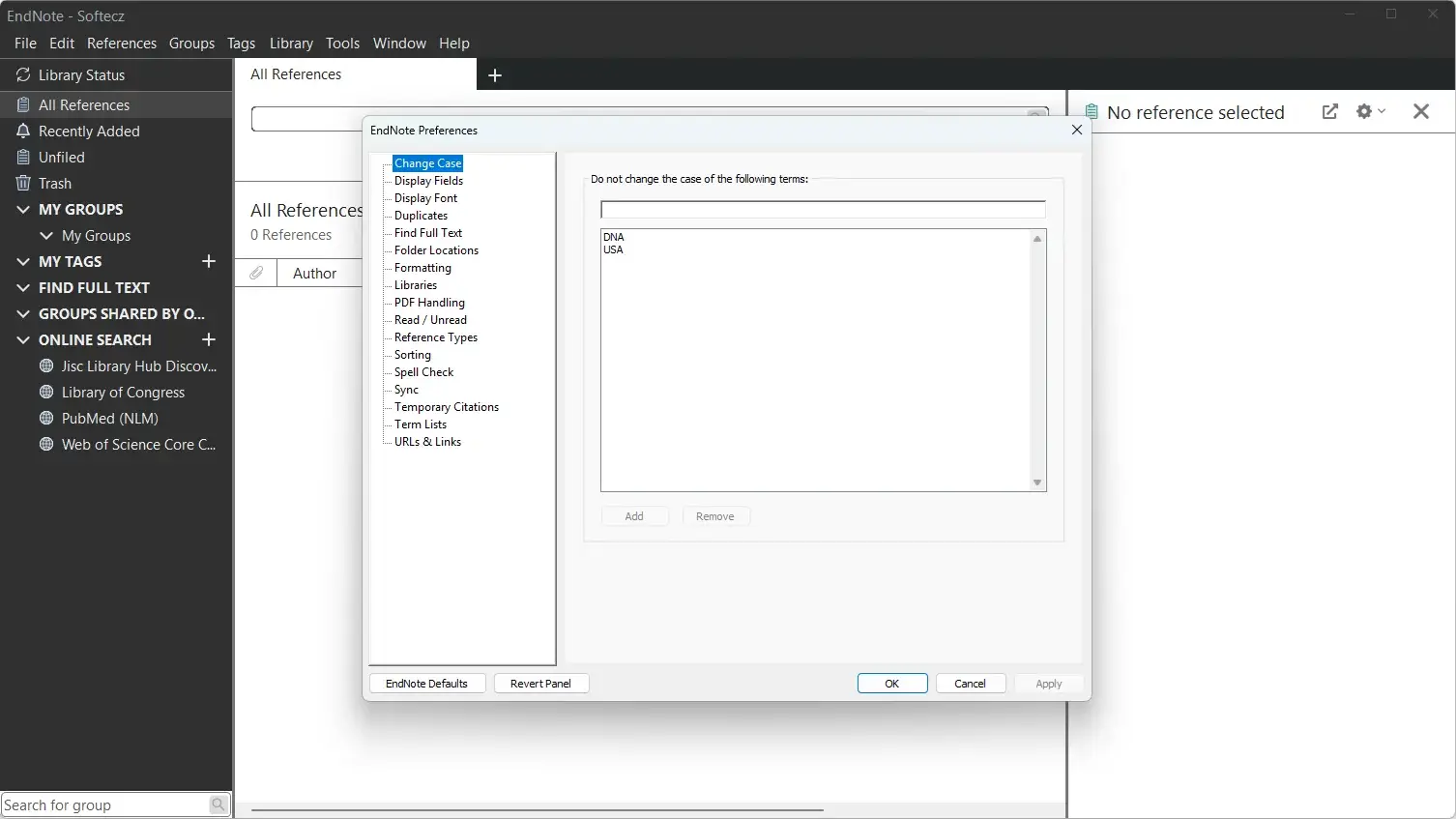
EndNote Tested Screenshots
System Requirements (Windows)
| Component | Requirement |
|---|---|
| Operating System | Windows 10 / Windows 11 |
| Processor | 1 GHz or faster Intel 32-bit/64-bit or Arm 64-bit processor |
| RAM | 2 GB minimum |
| Storage | 600 MB available hard disk space |
| Internet Connection | Required for online access, online database searching, finding full text, and automatically updating references |